
Interactive resource
Use the working tool for this page
This page has a matching worksheet, calculator or comparison resource. It runs in your browser: enter your own measured values and keep the evidence behind every result.
Open resourceCompressed Air Equipment Image Library
OWNED DECISION: Identify the correct compressed-air equipment or component using images, understand its visible functions and limits, and follow the relevant technical article. MANDATORY ASSET: Contextual Image Catalogue with Alt Text.
Posters and field graphics
Reddy Compressors graphics




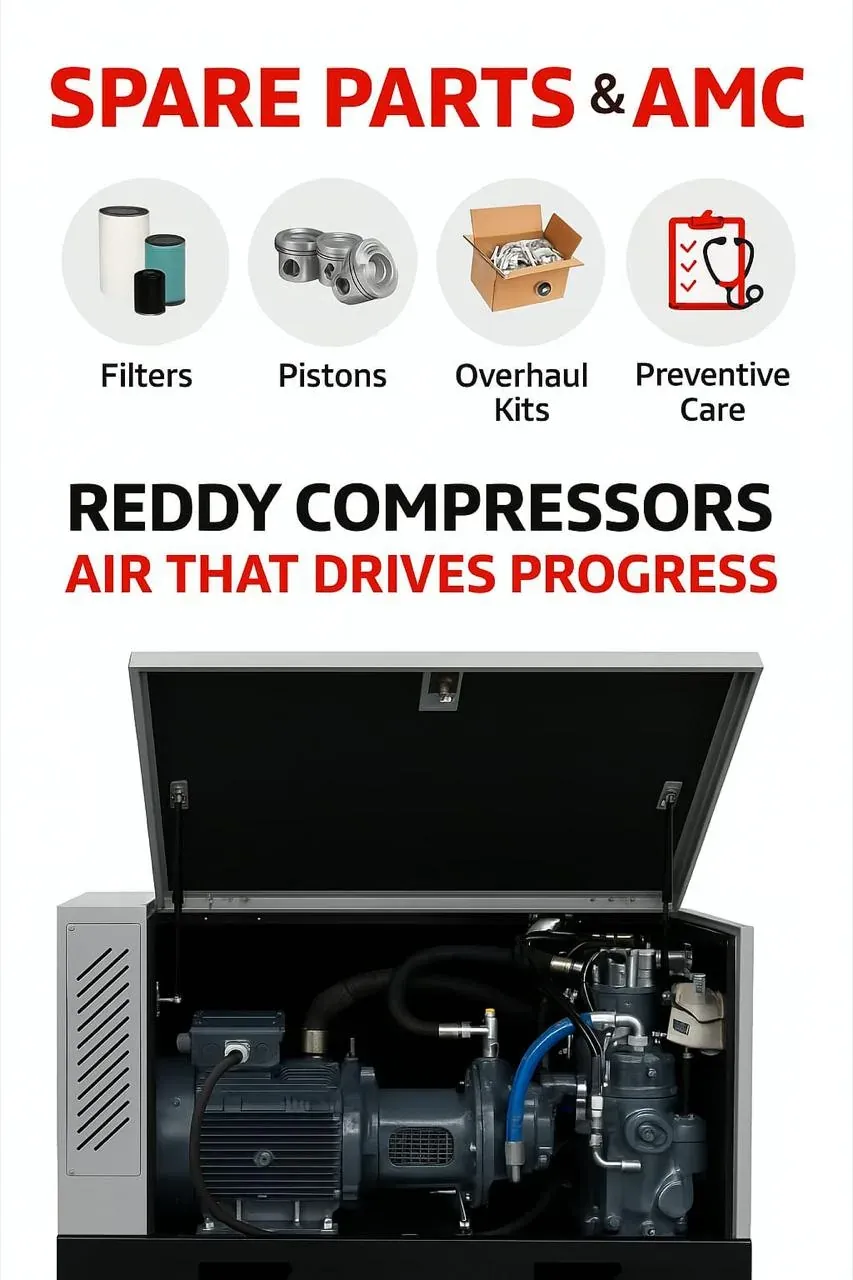

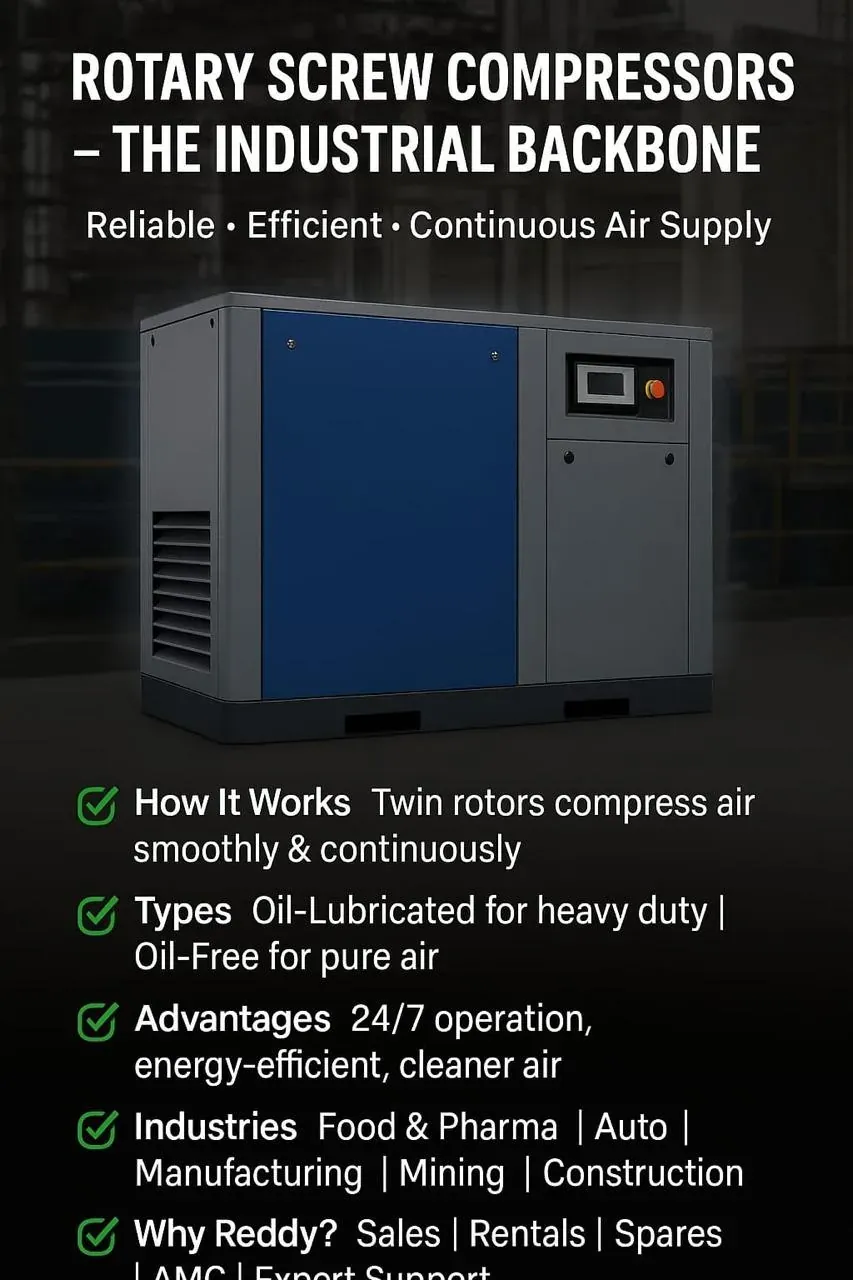

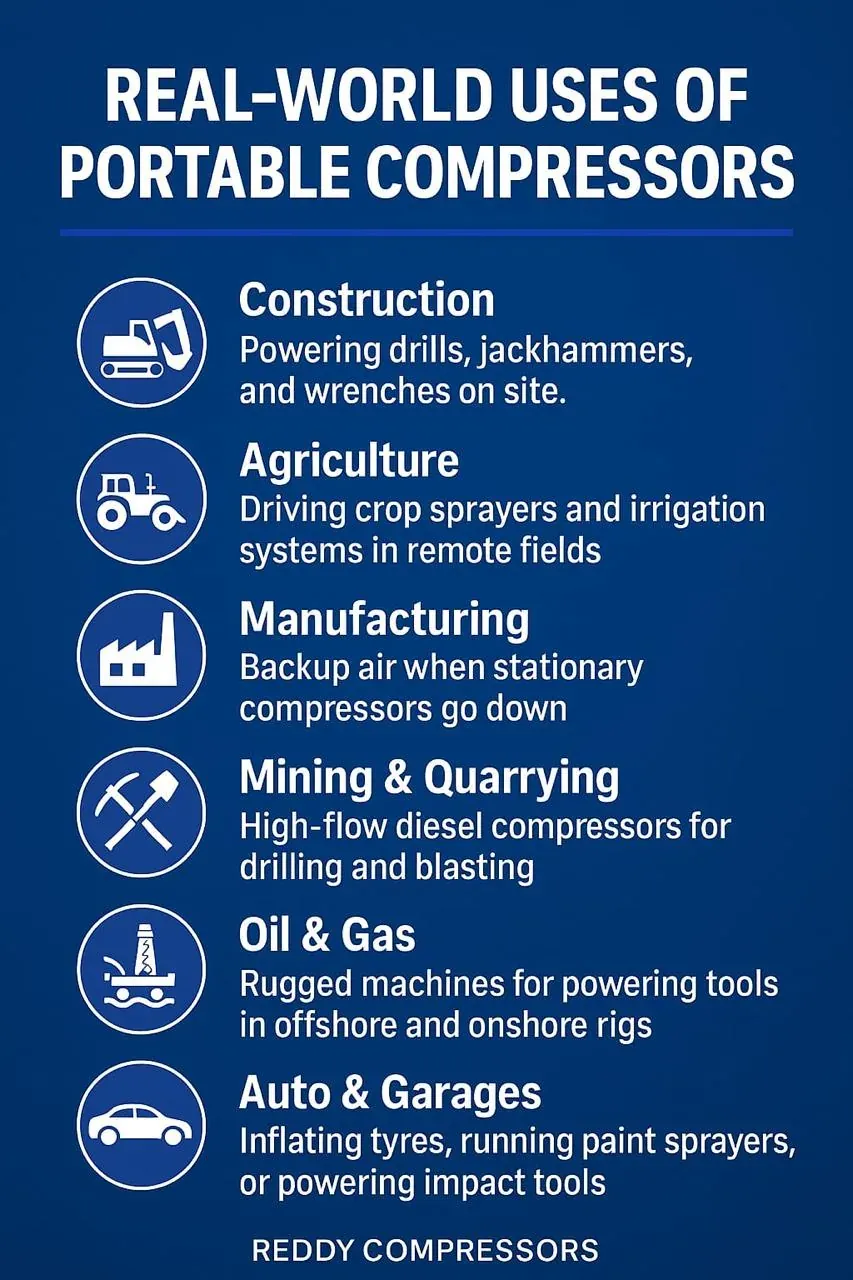
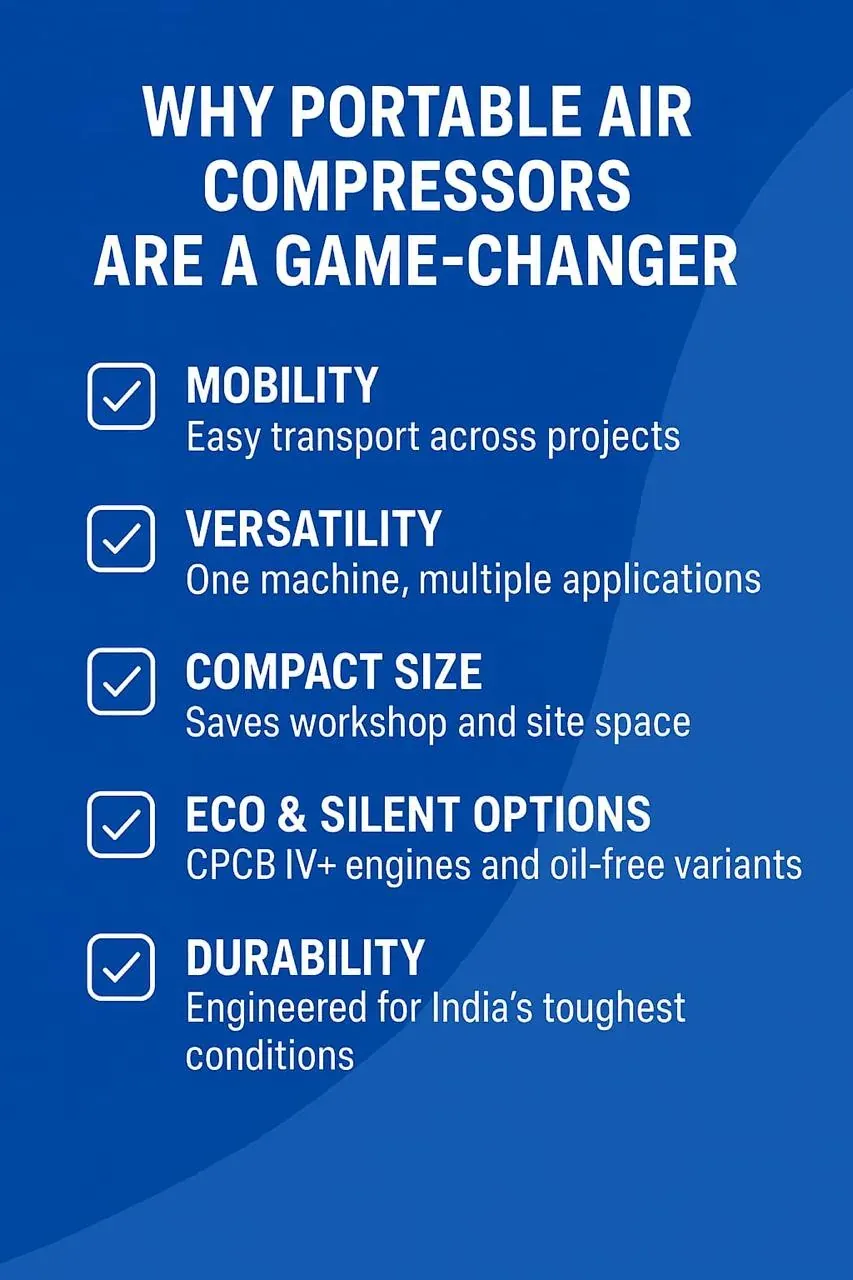
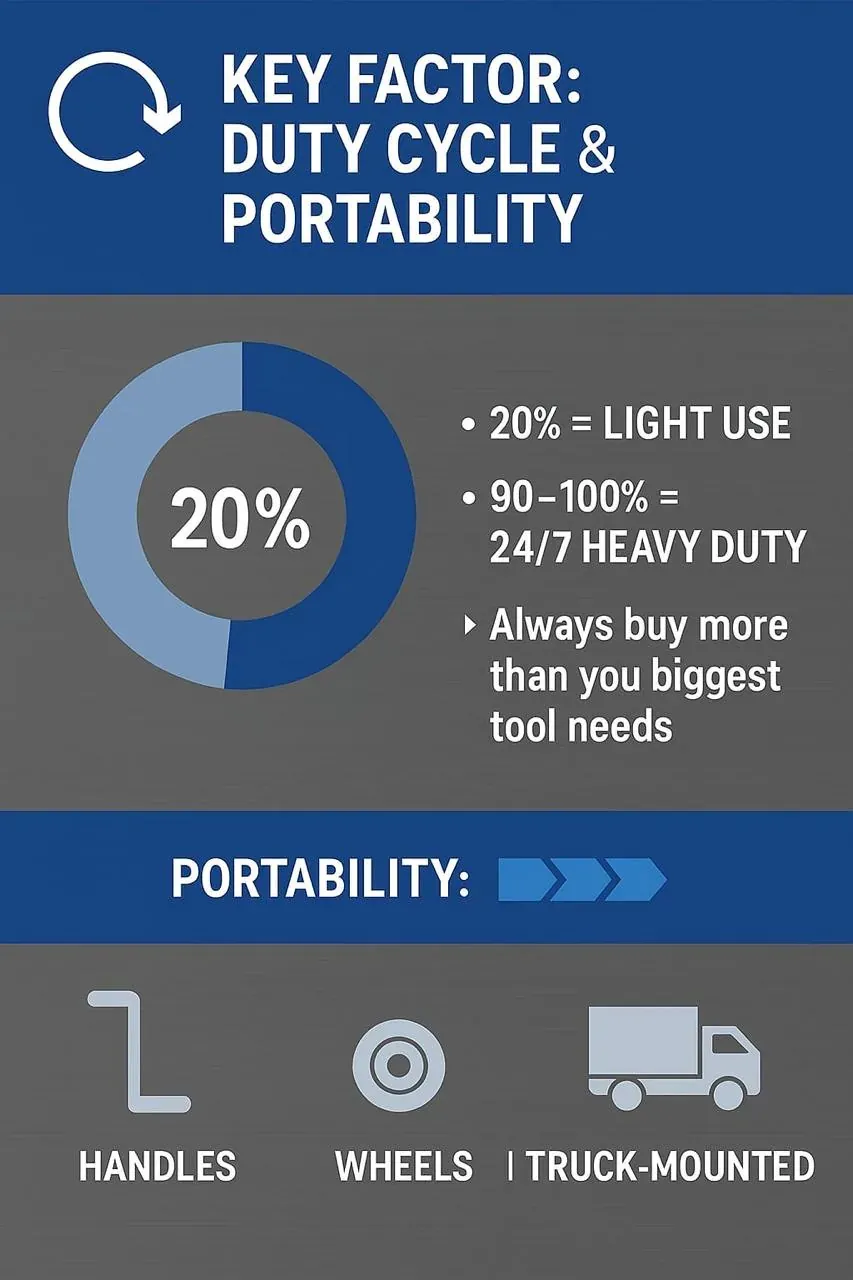

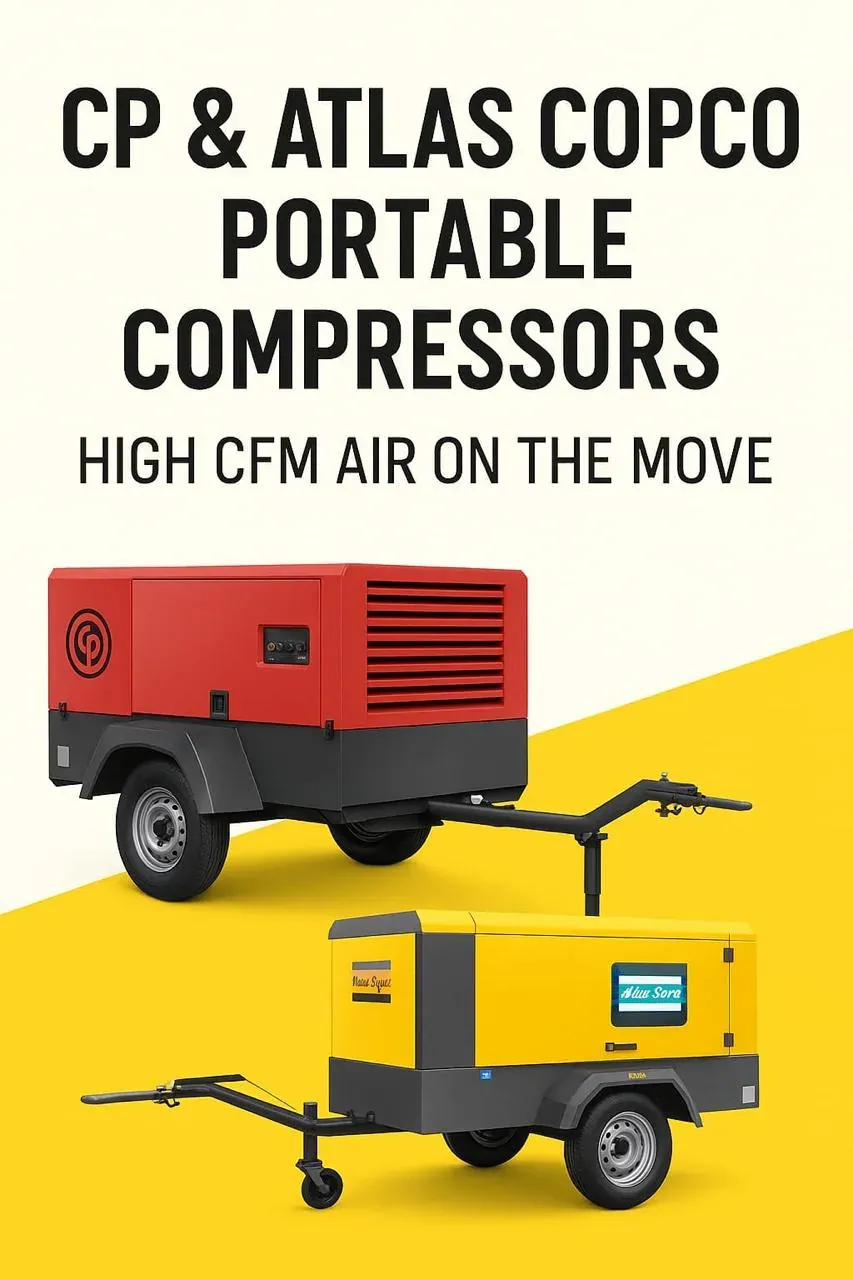


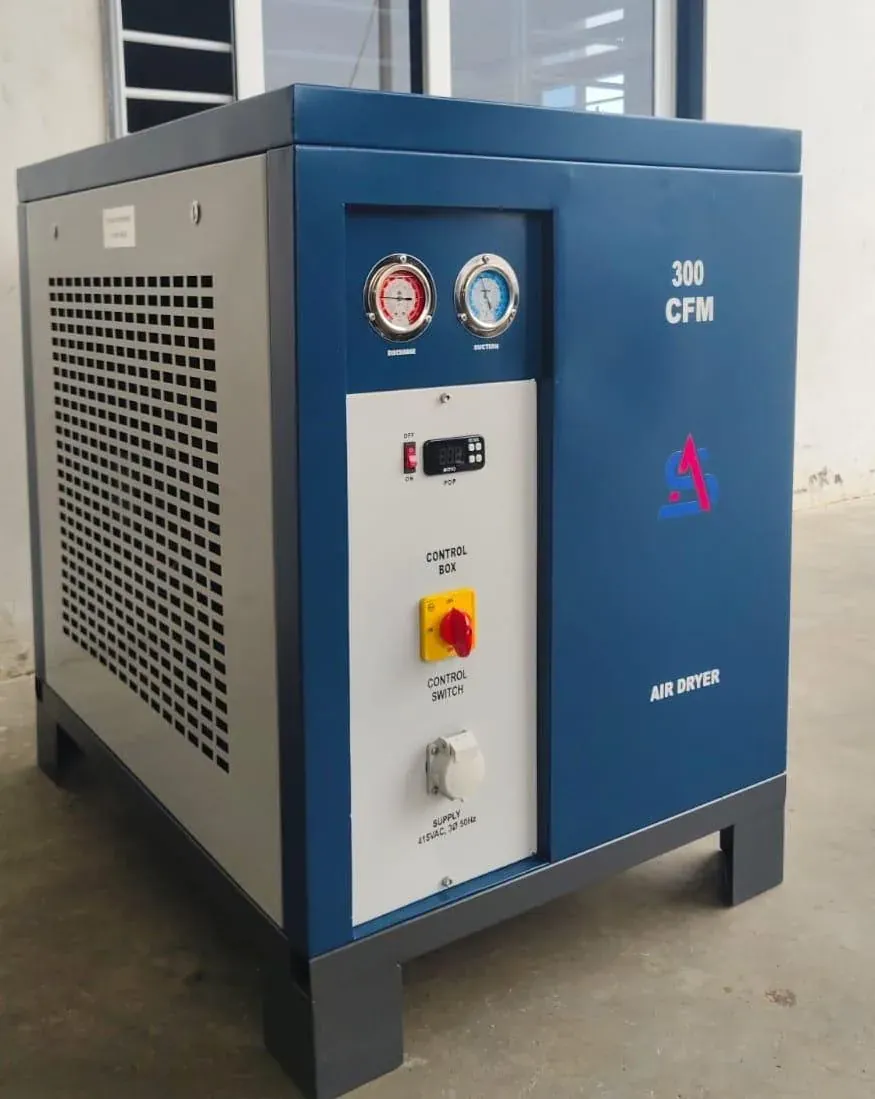
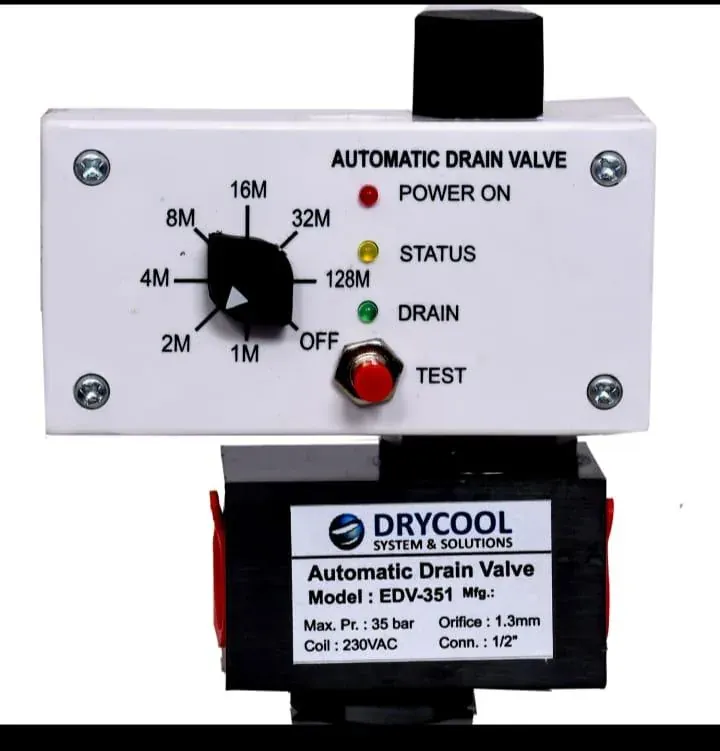
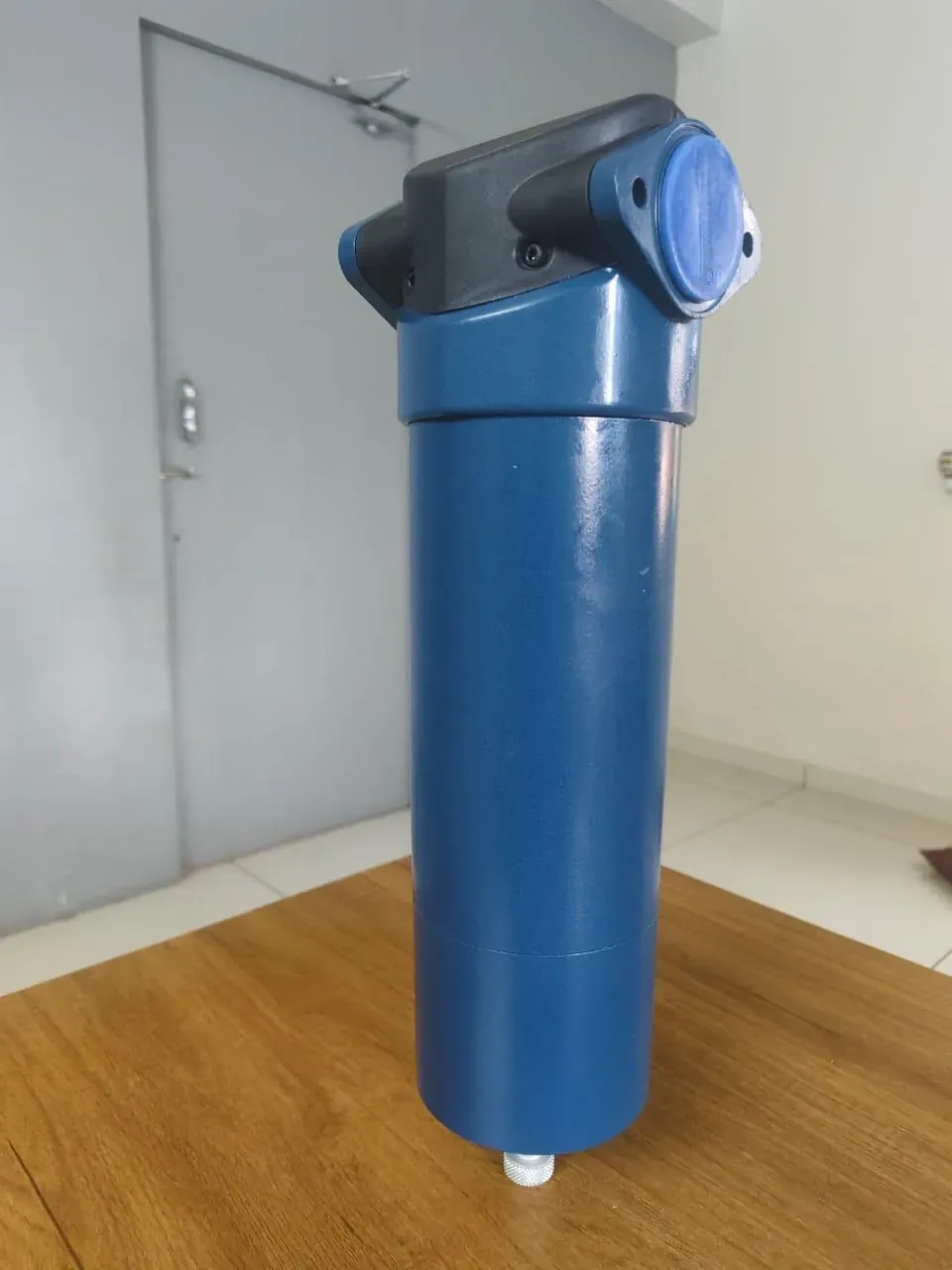


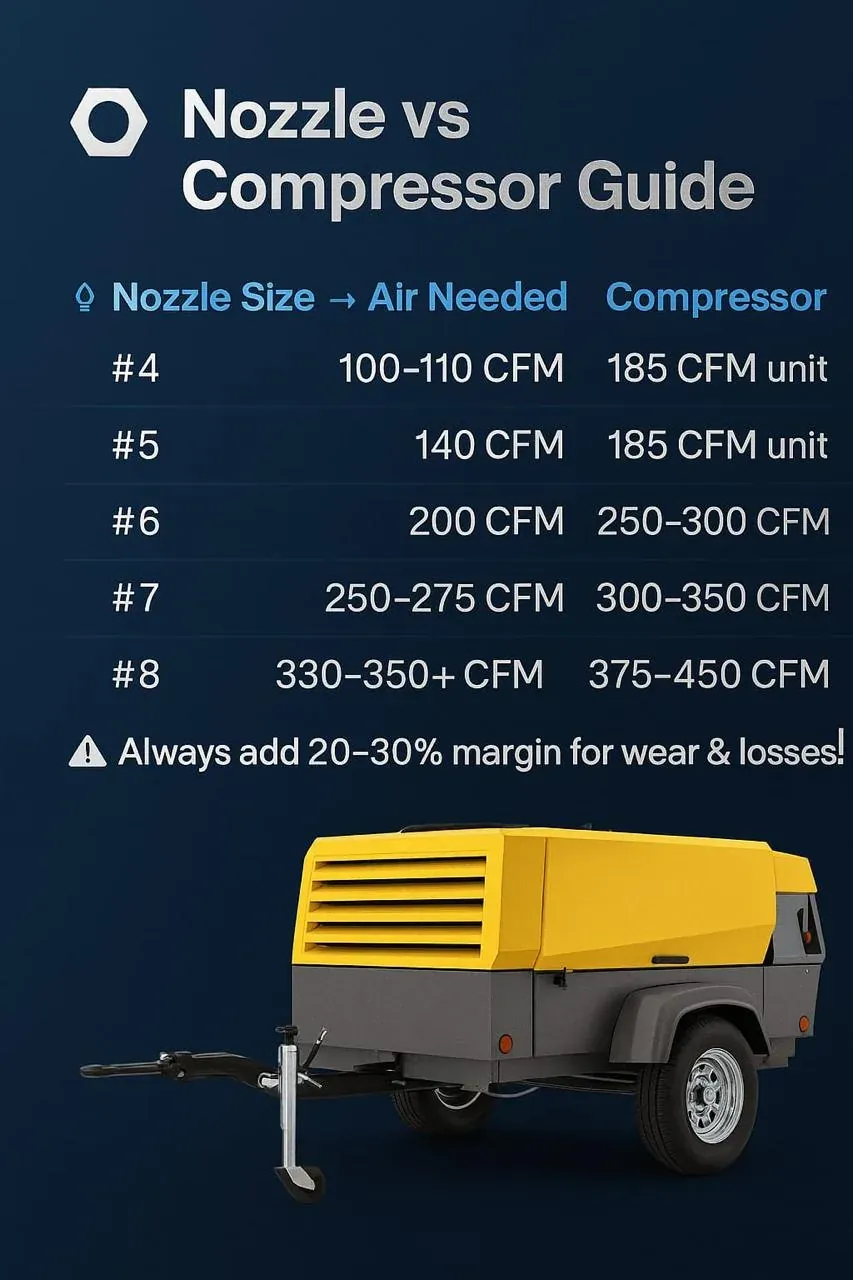


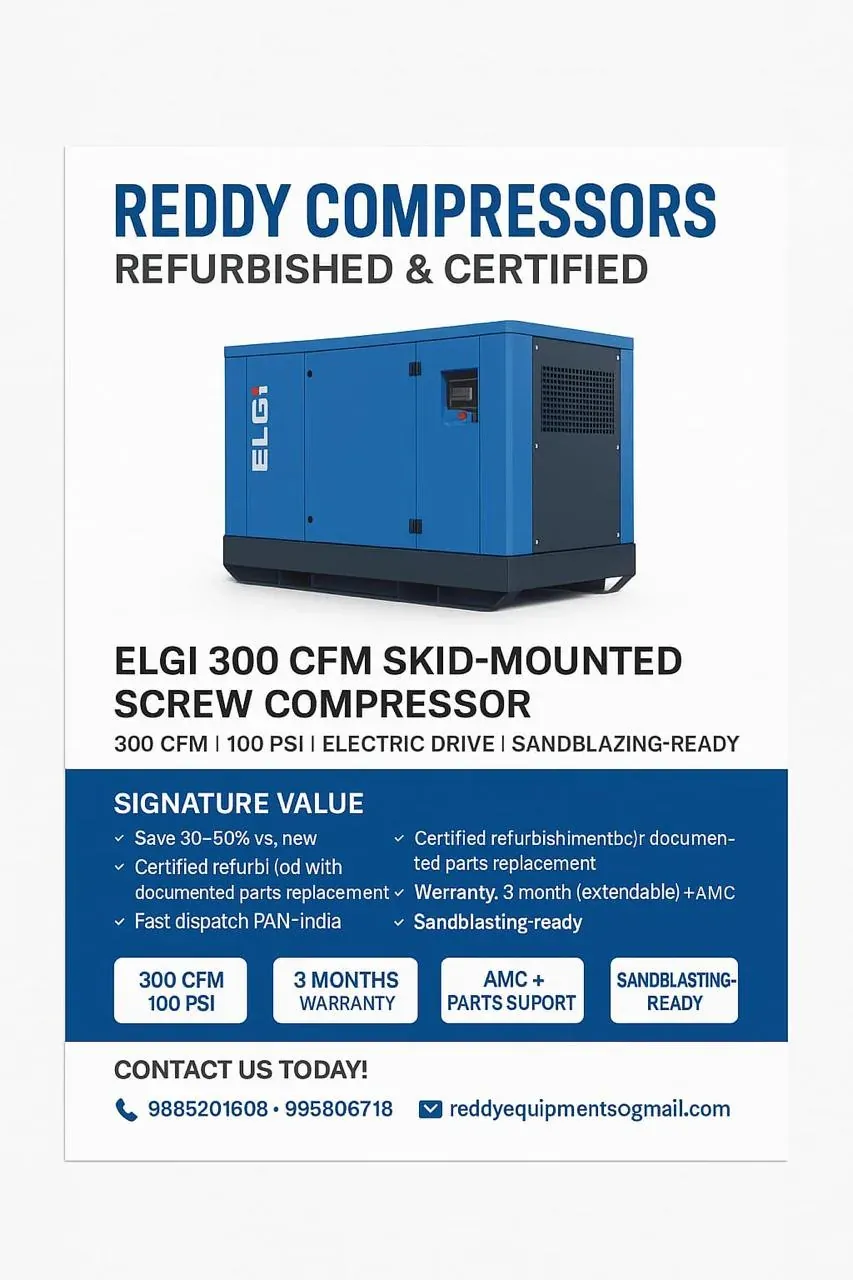
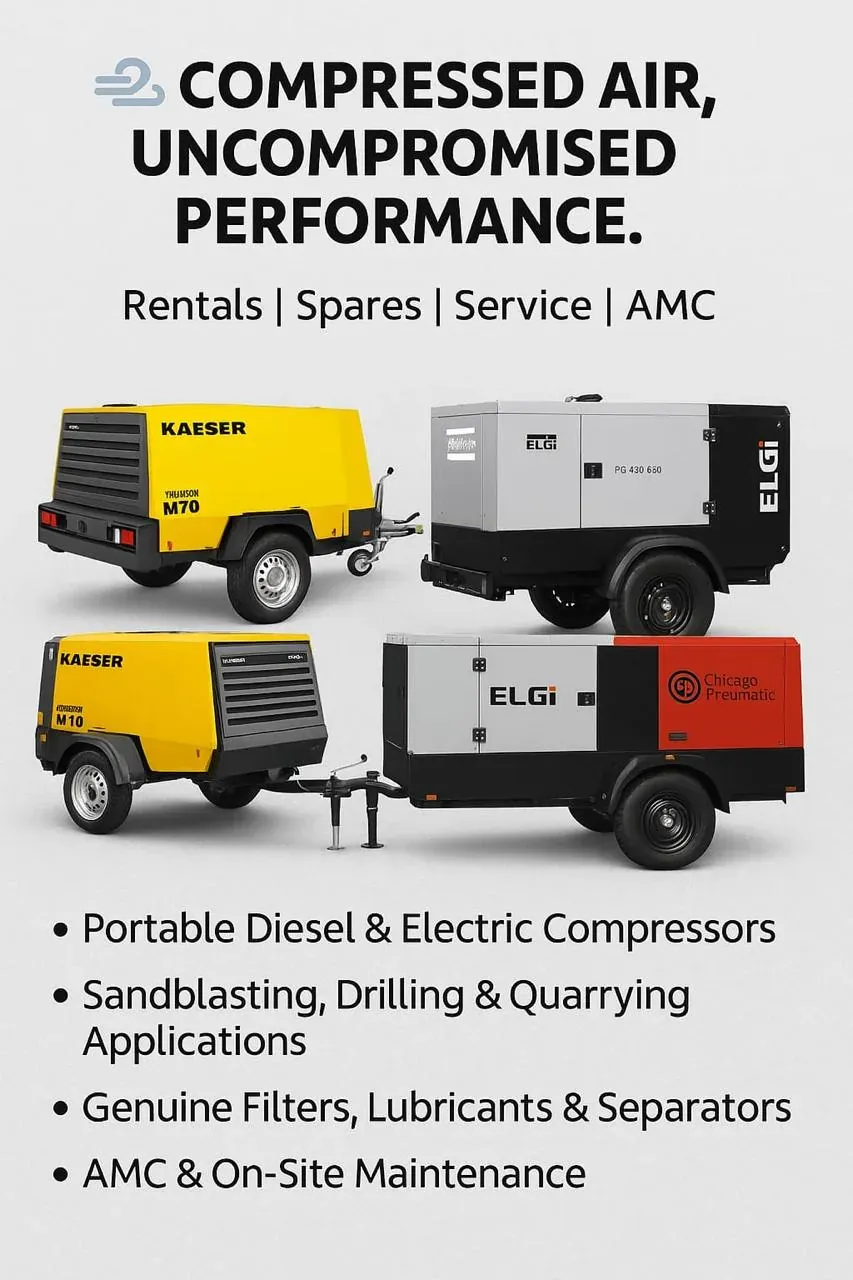

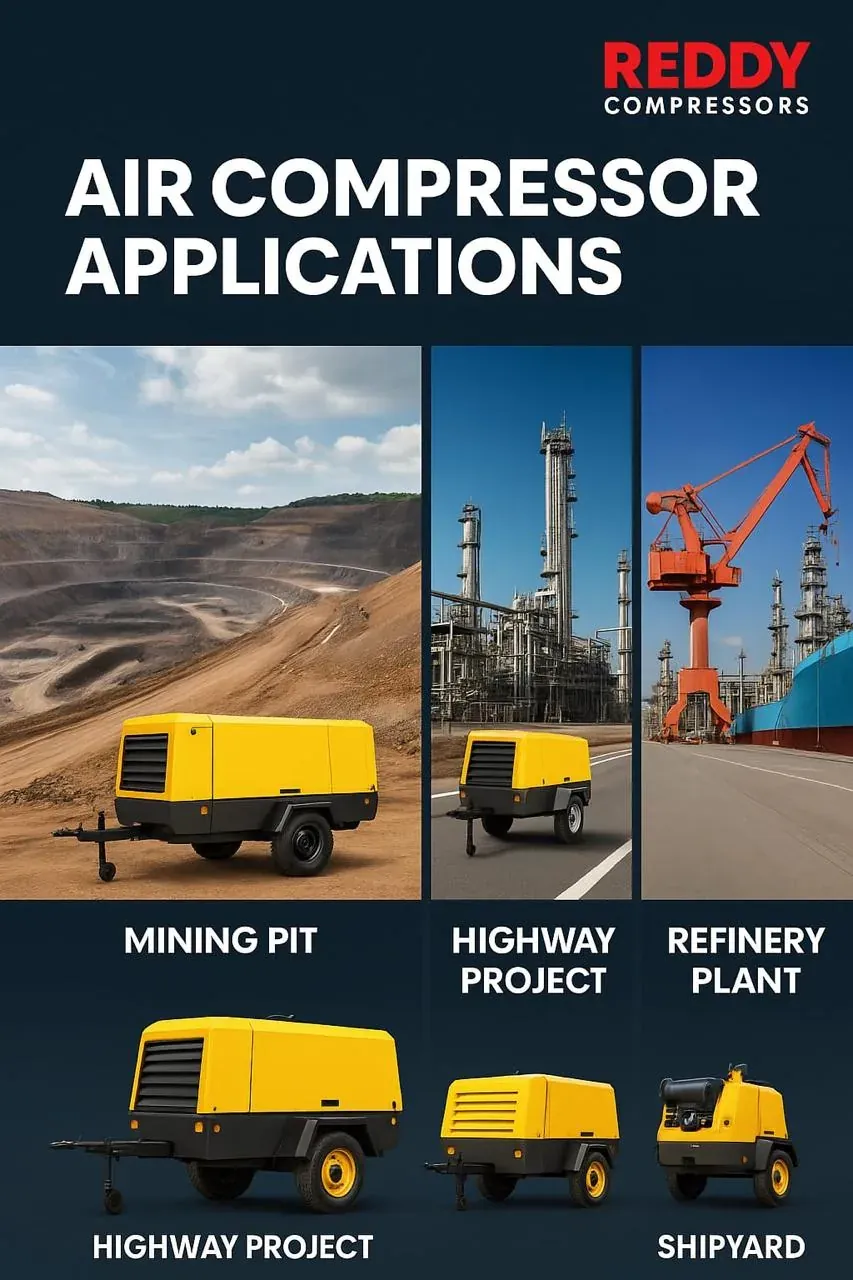
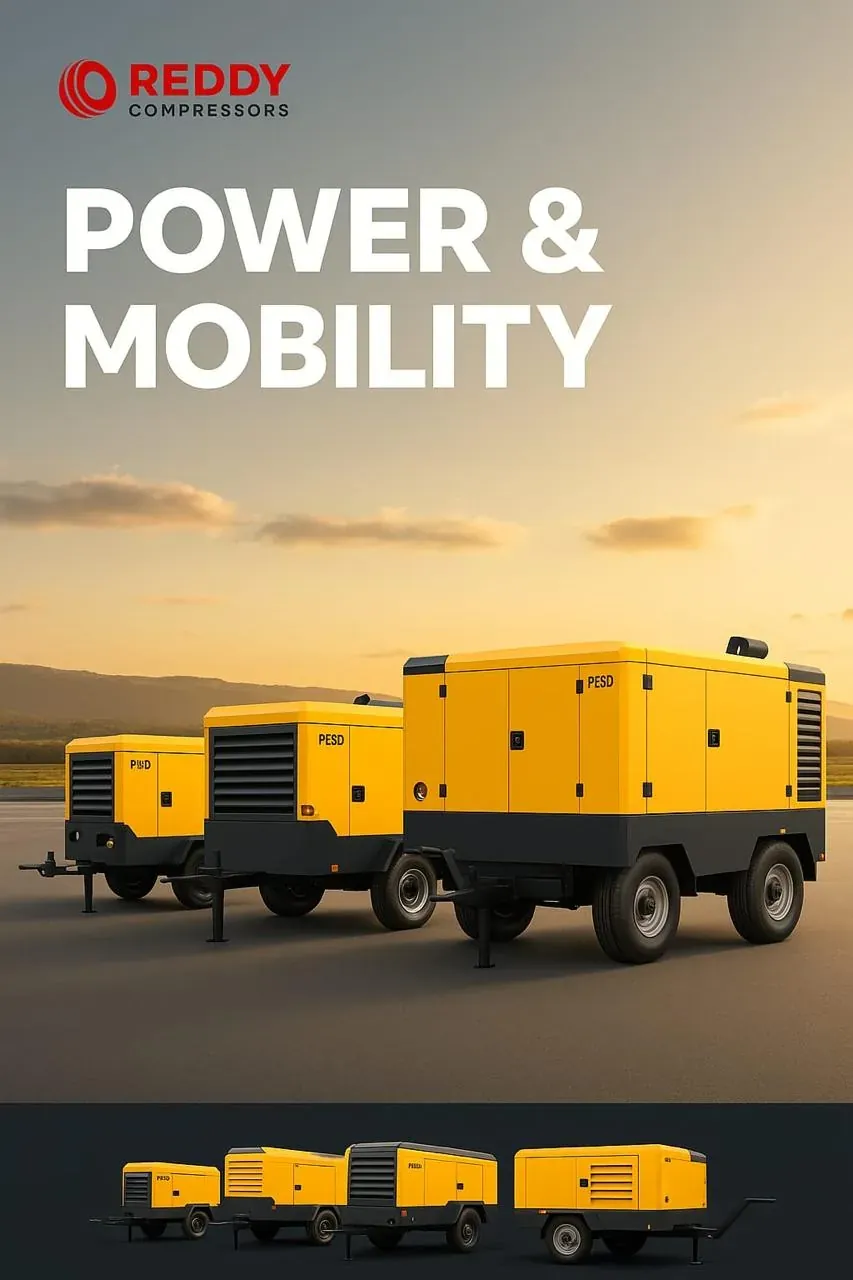

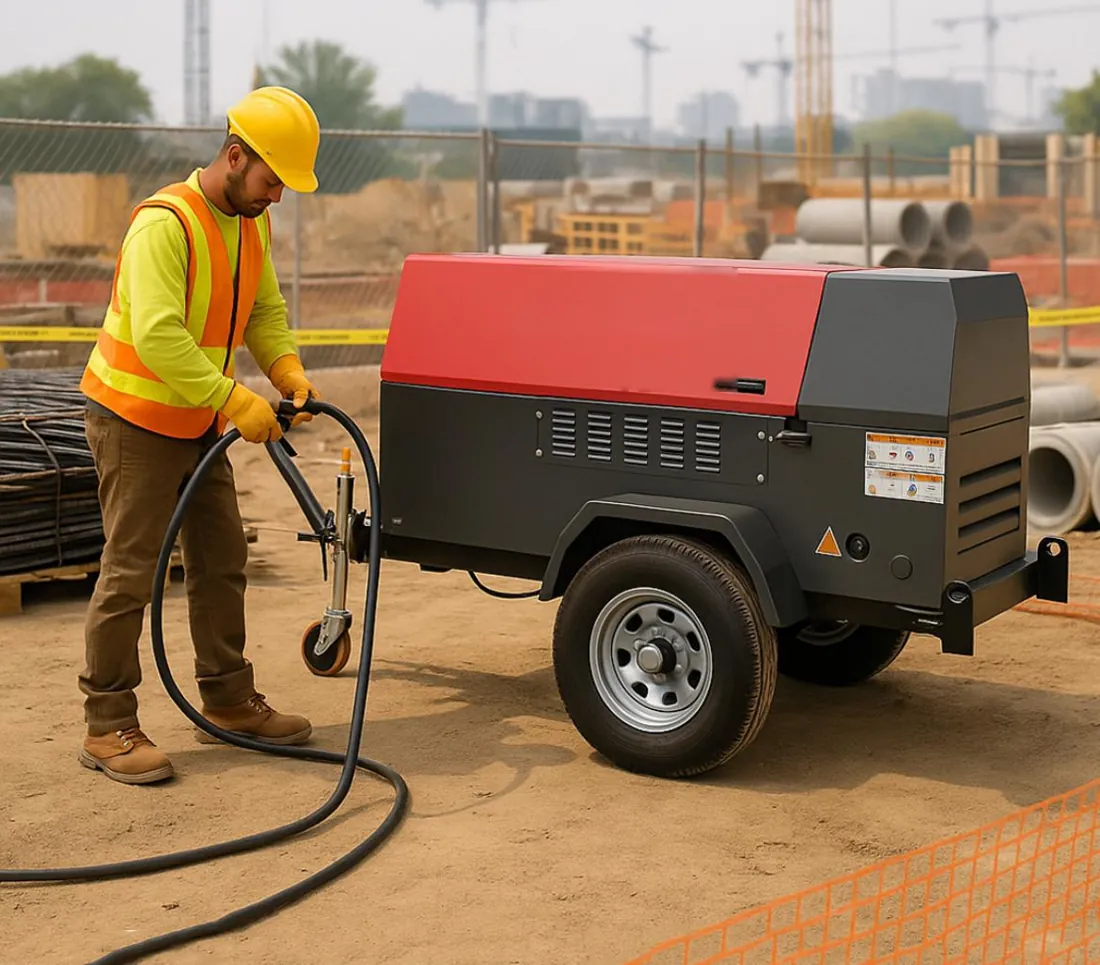
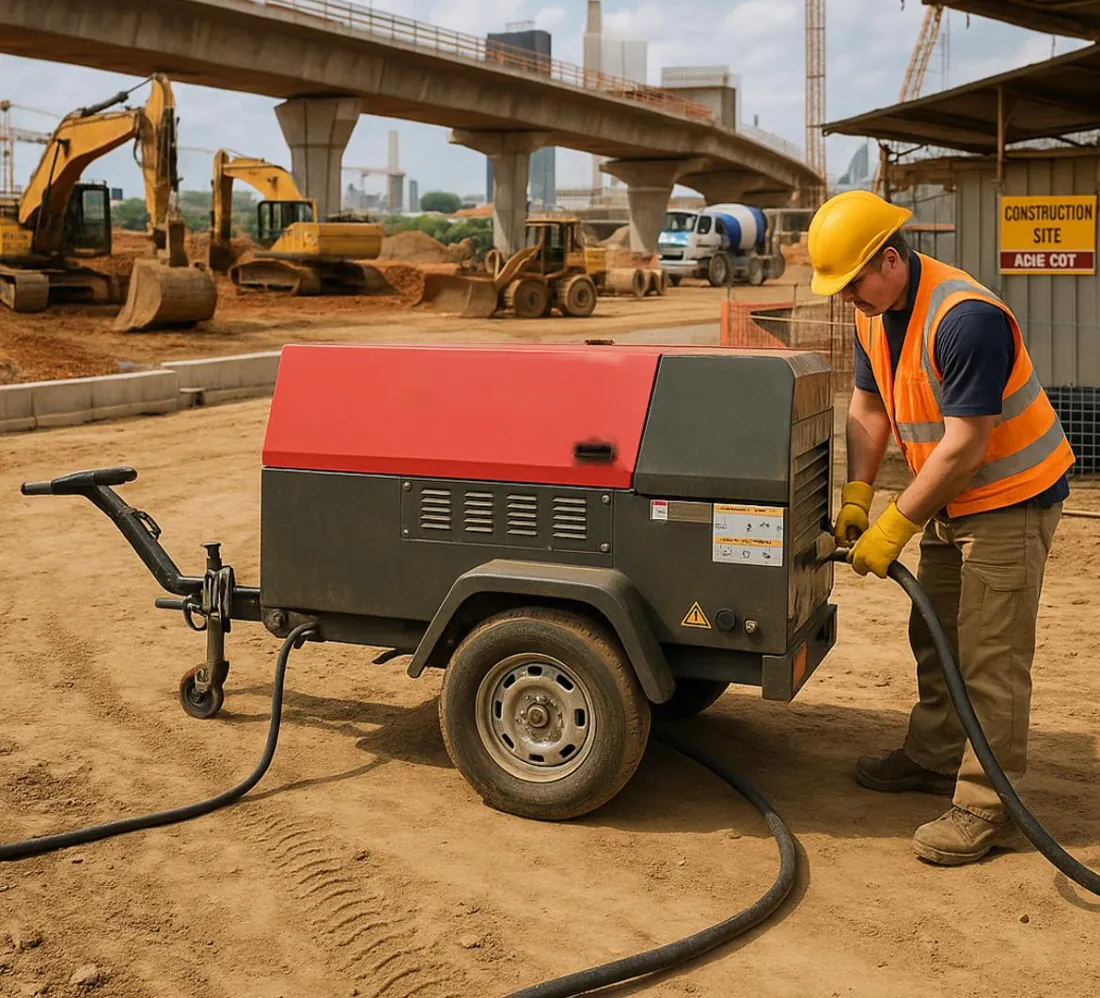
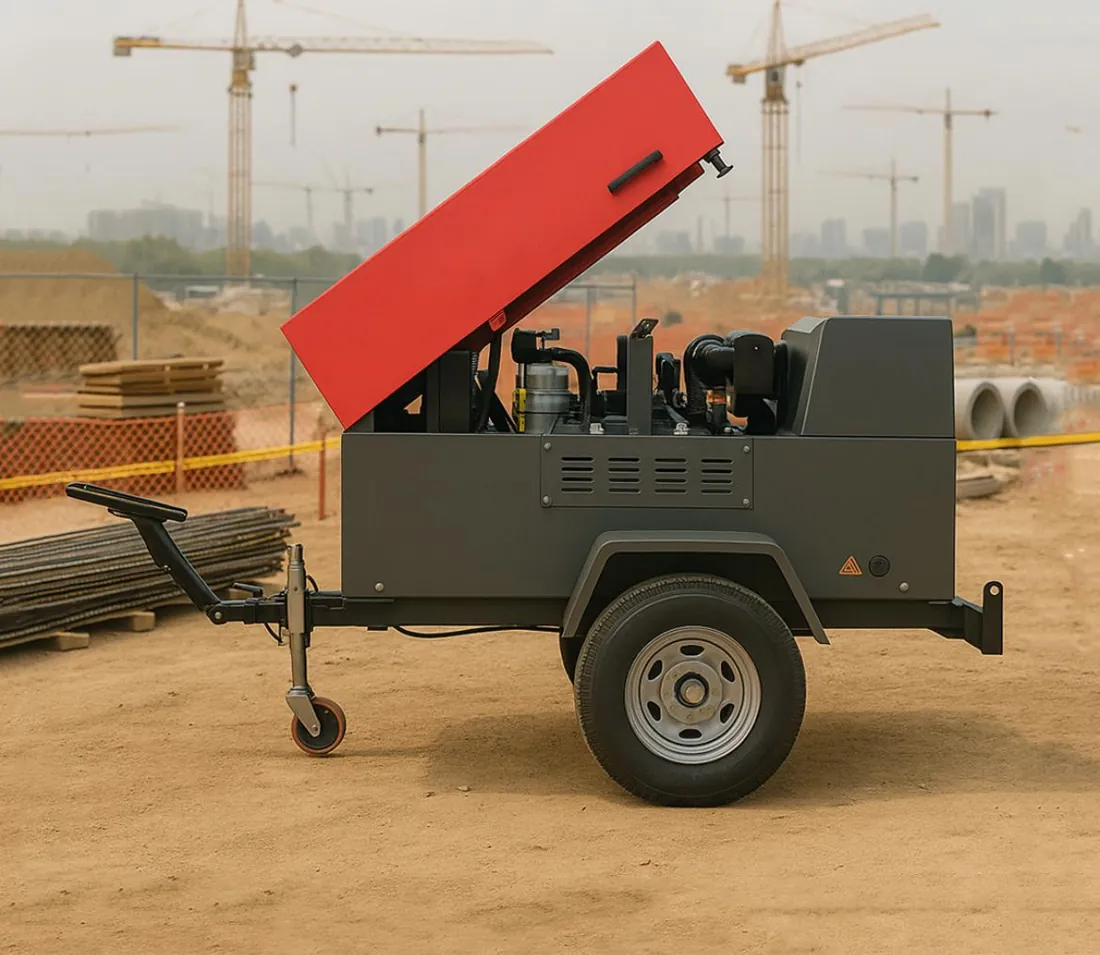
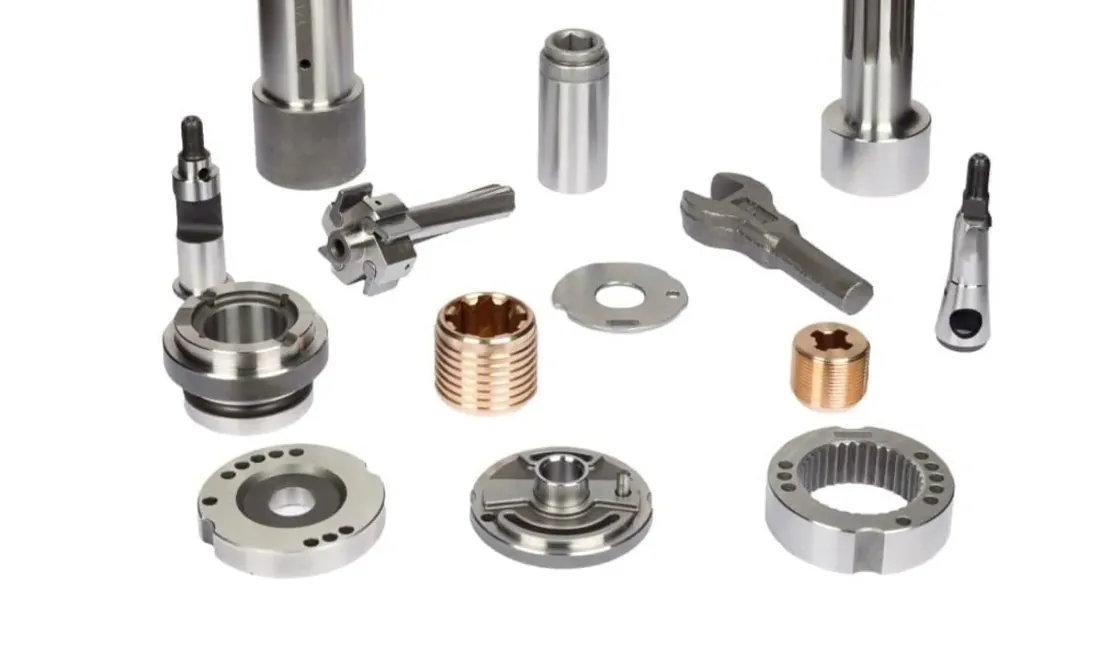
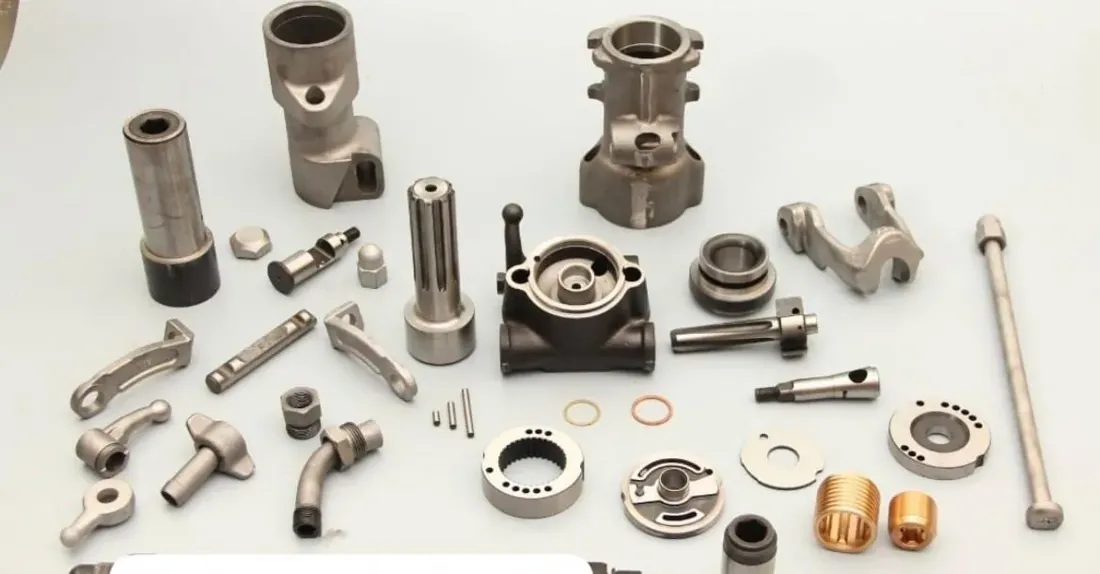
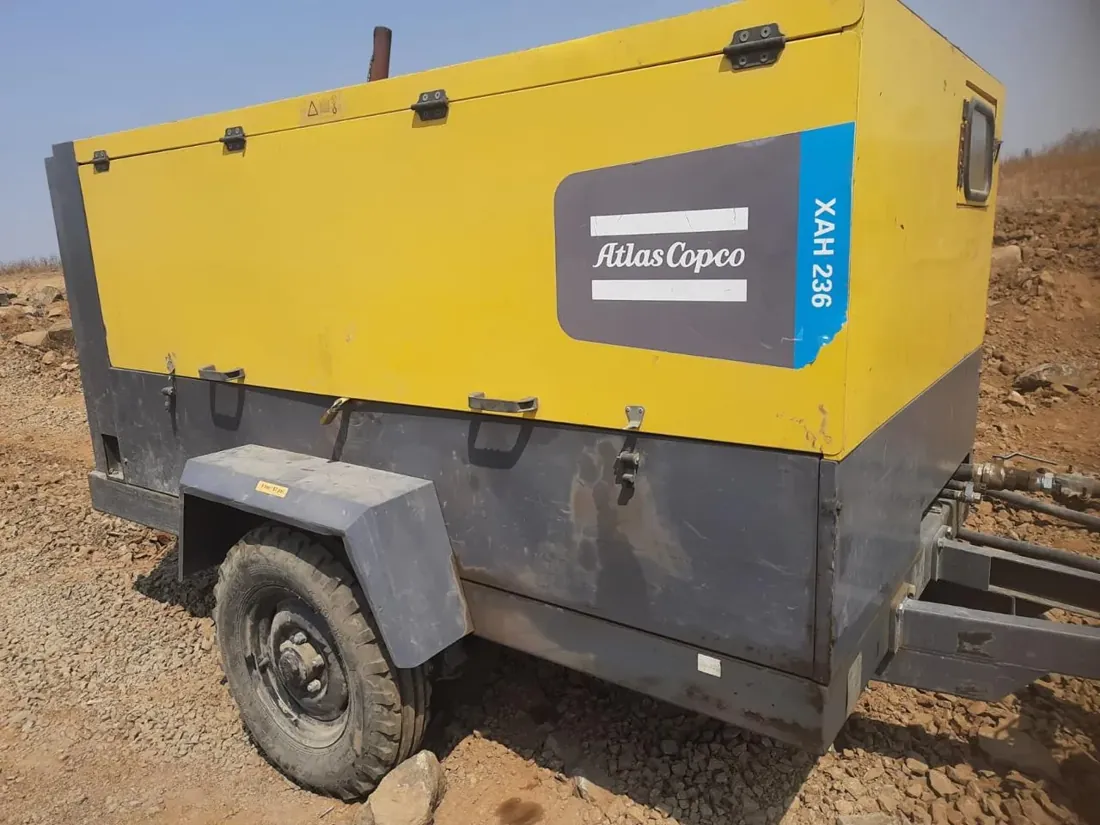

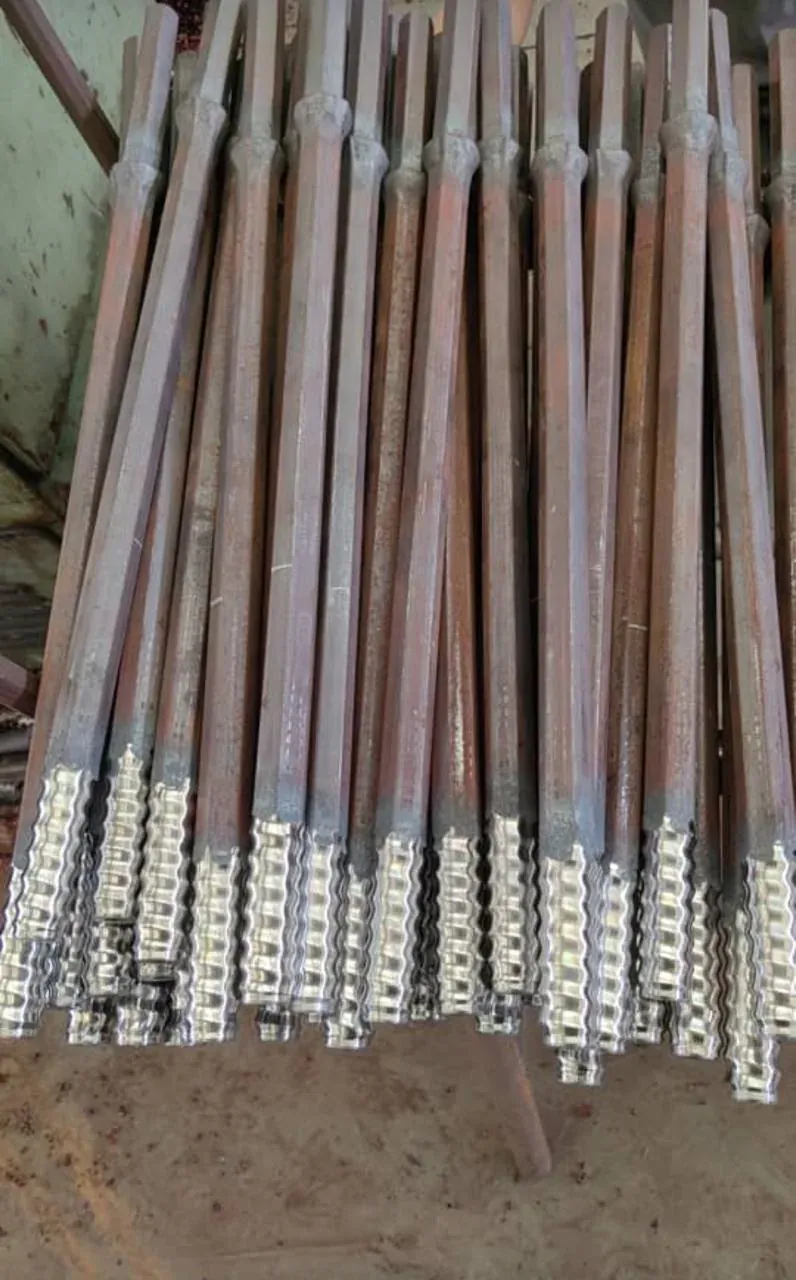
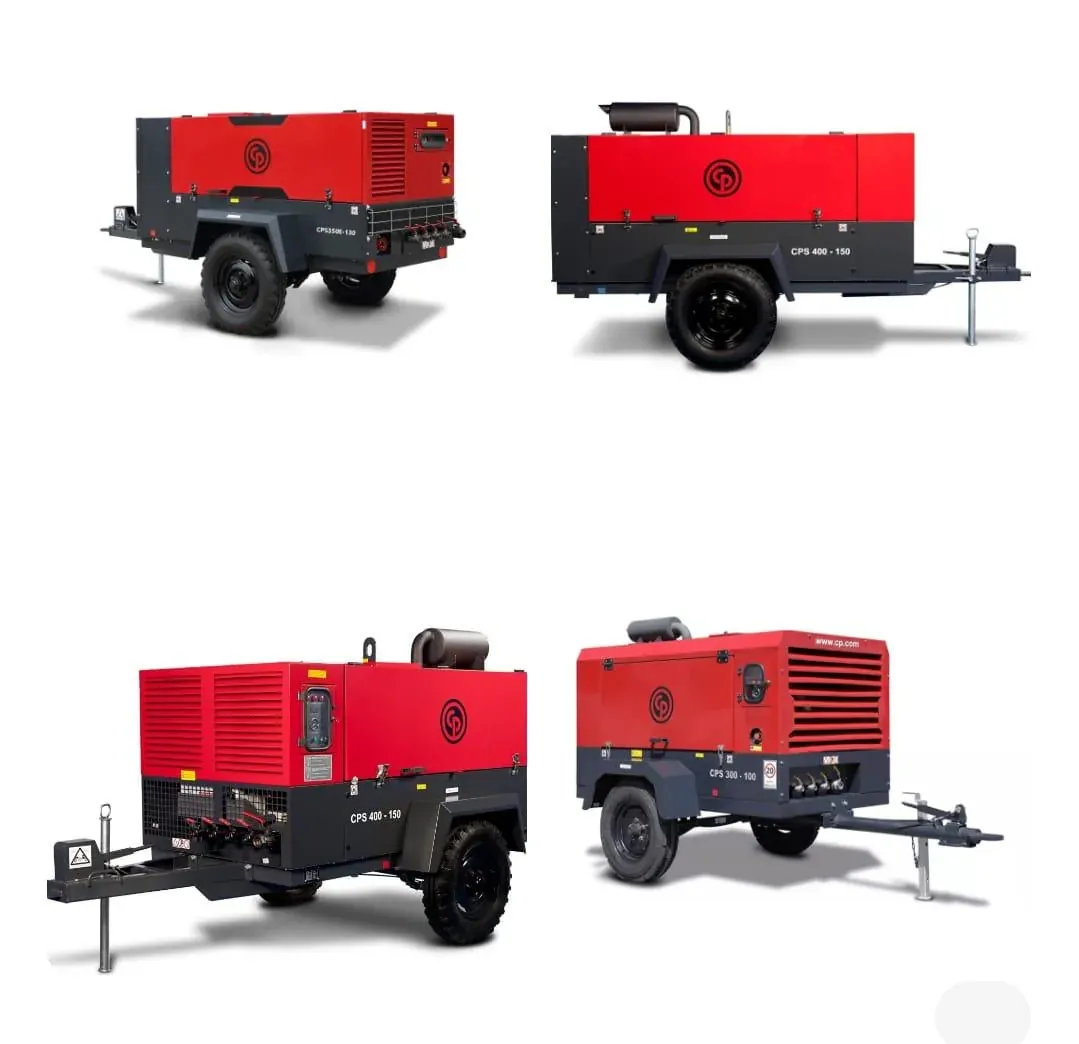
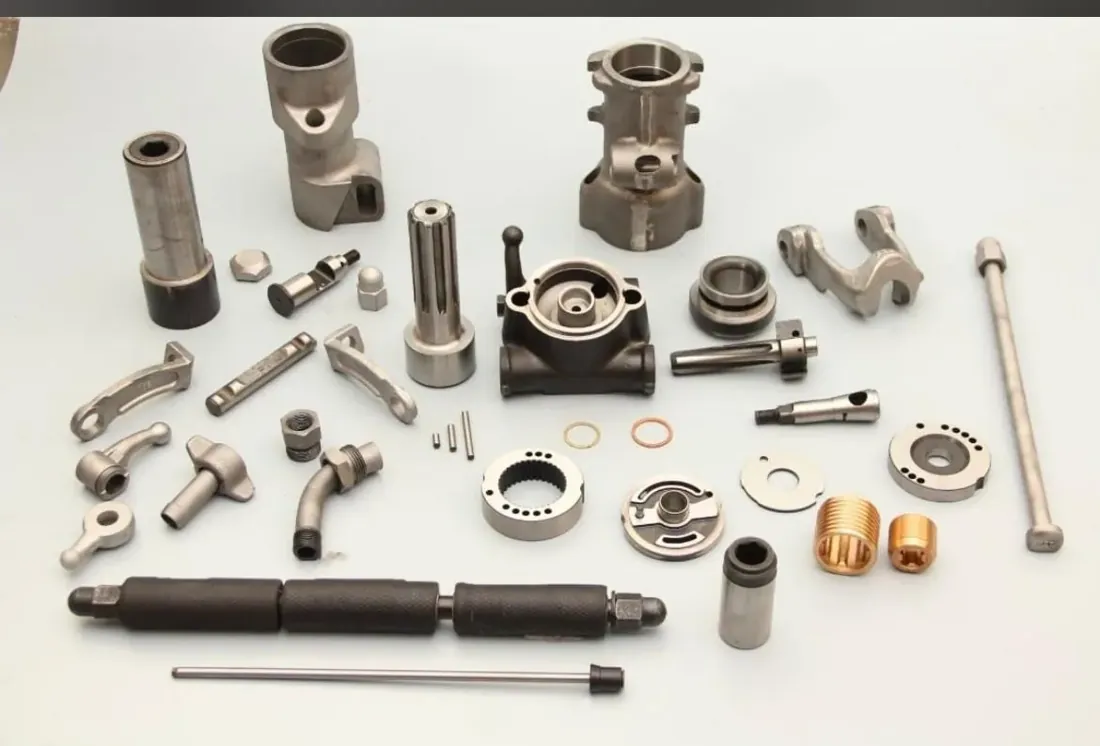
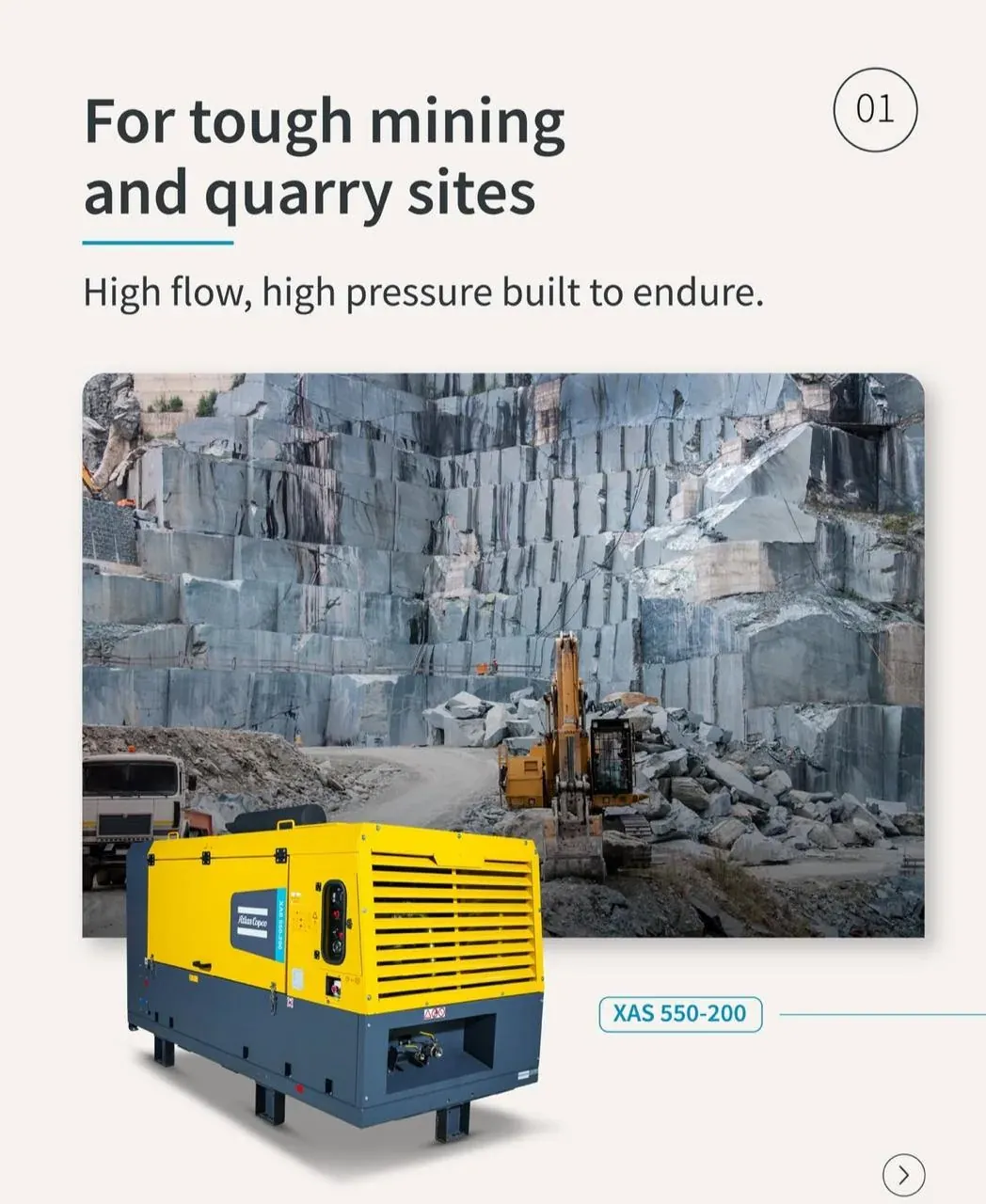
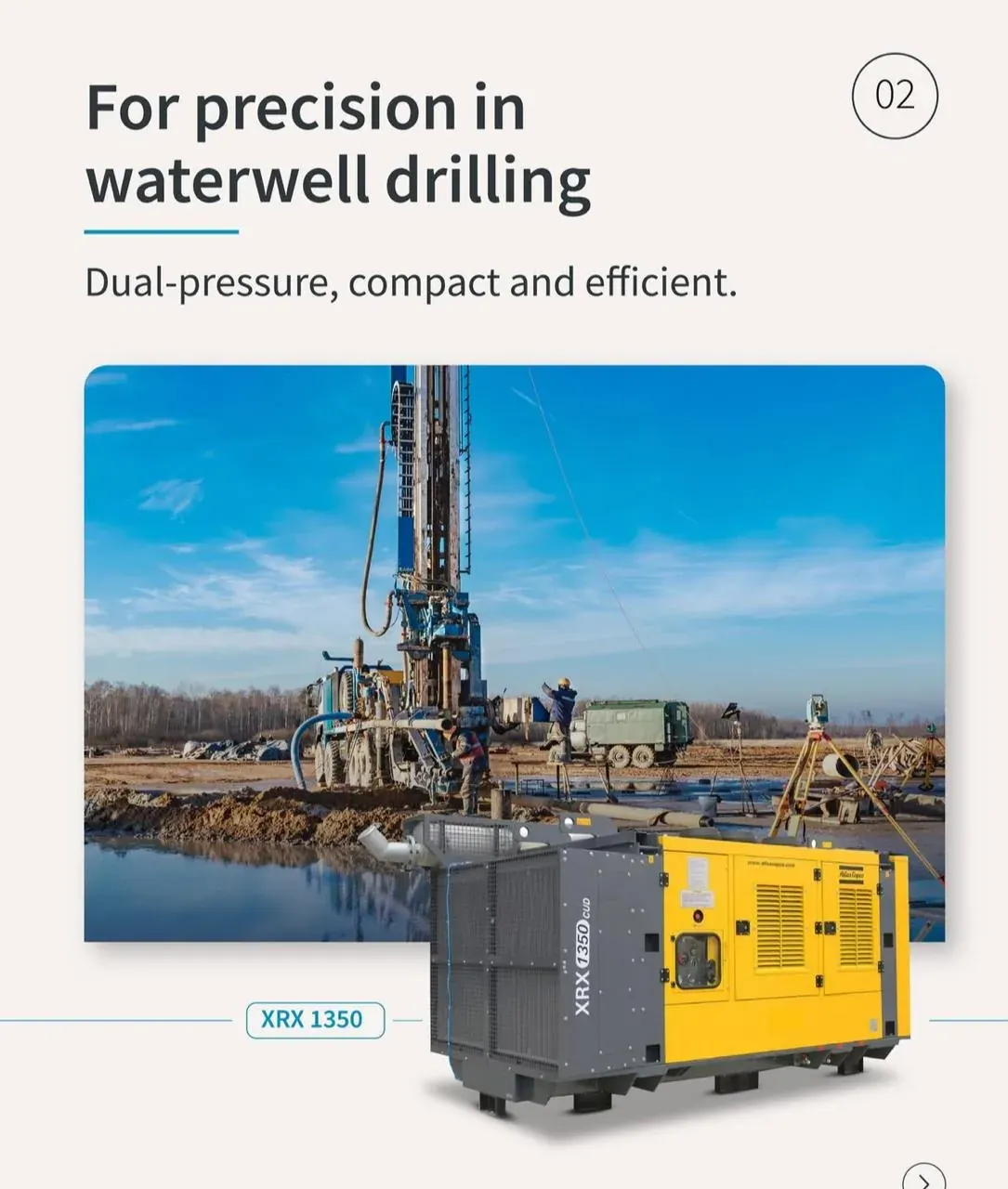
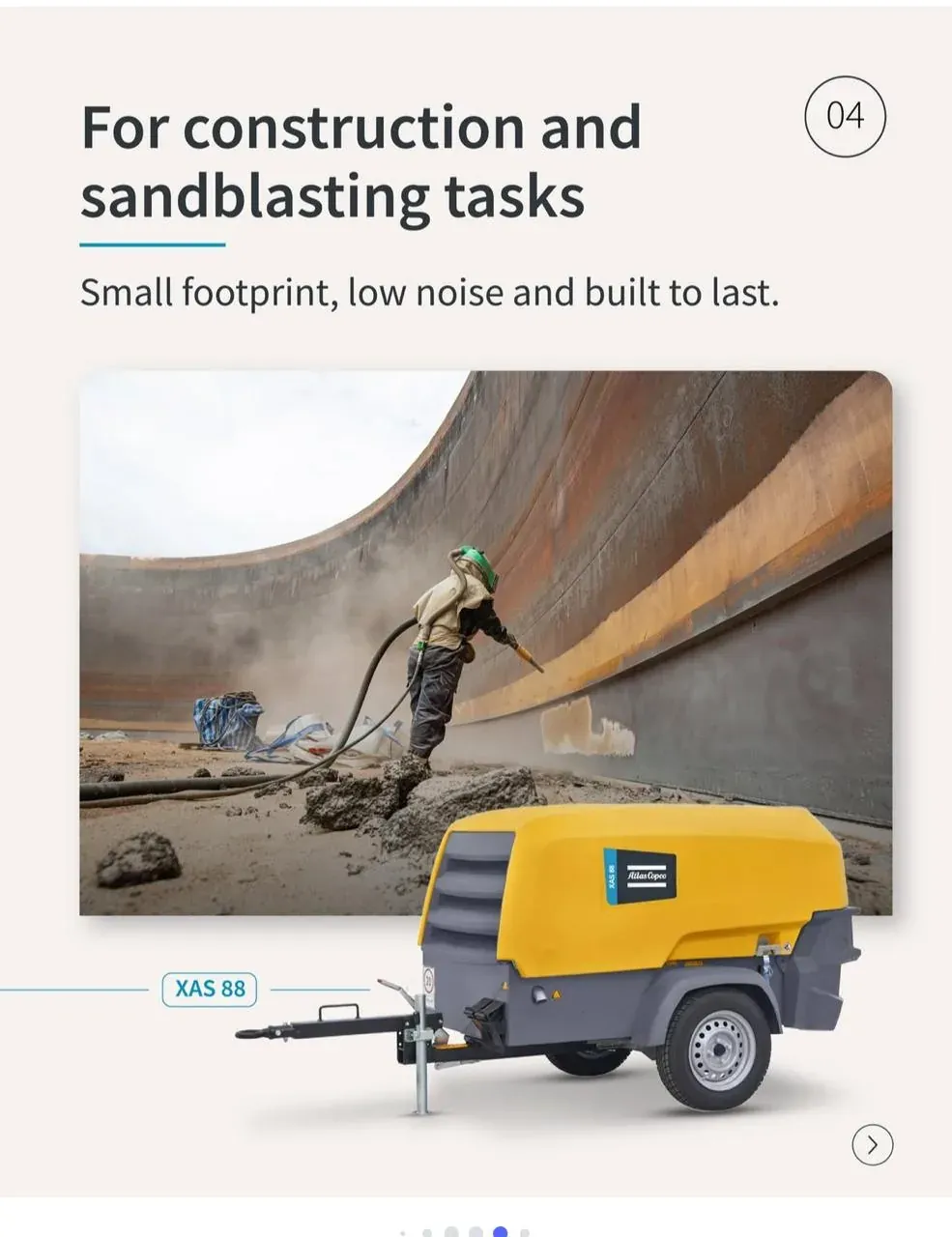

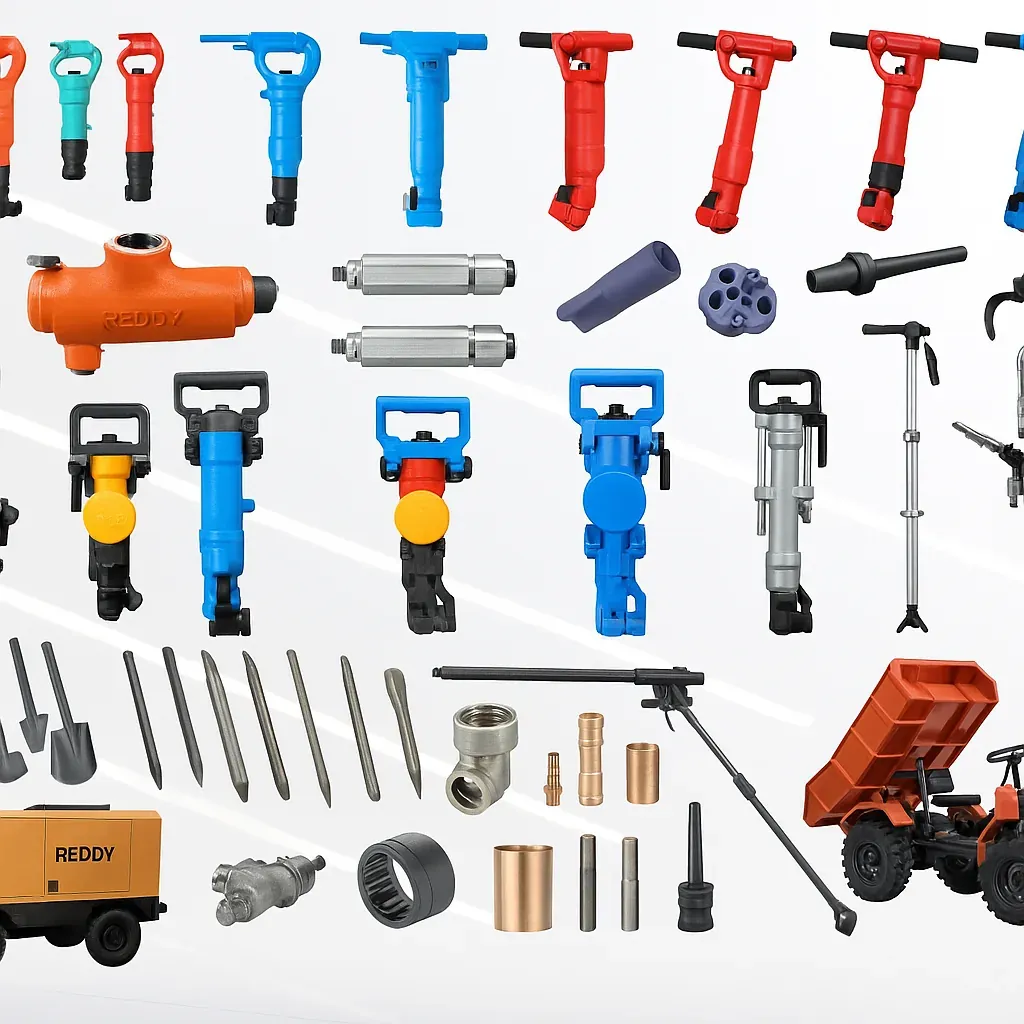


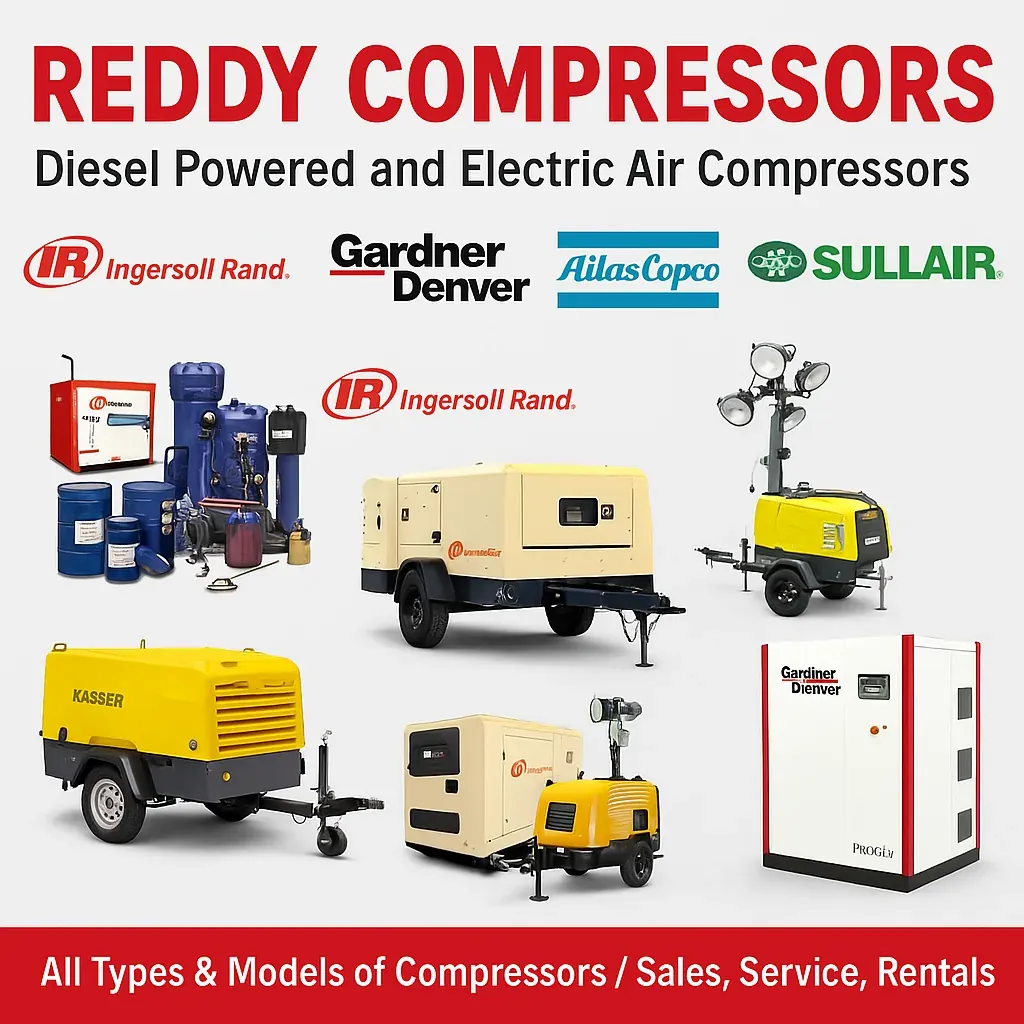

Across brands
Models we supply and service
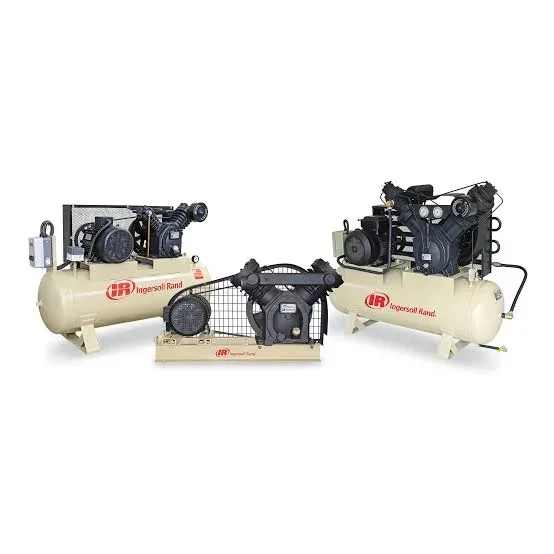
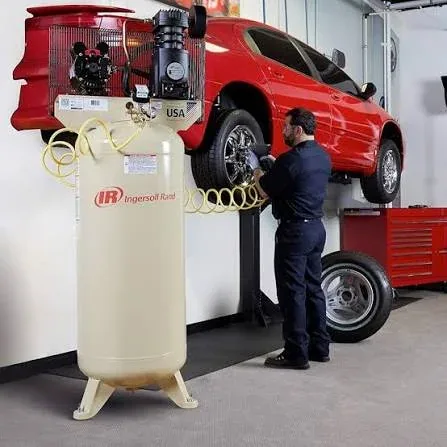
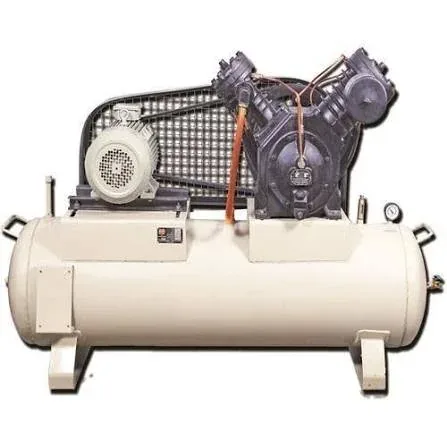
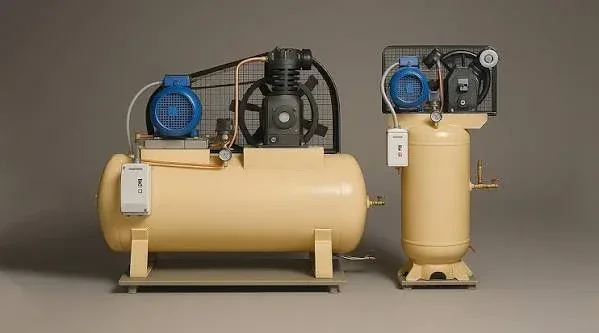
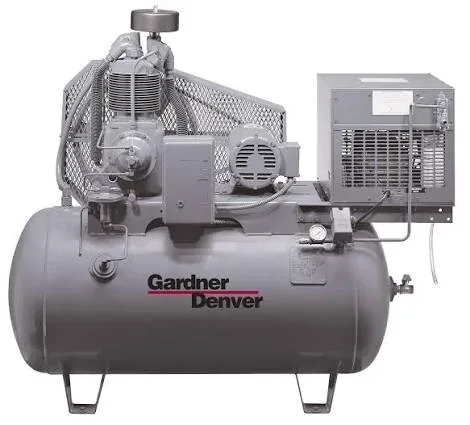
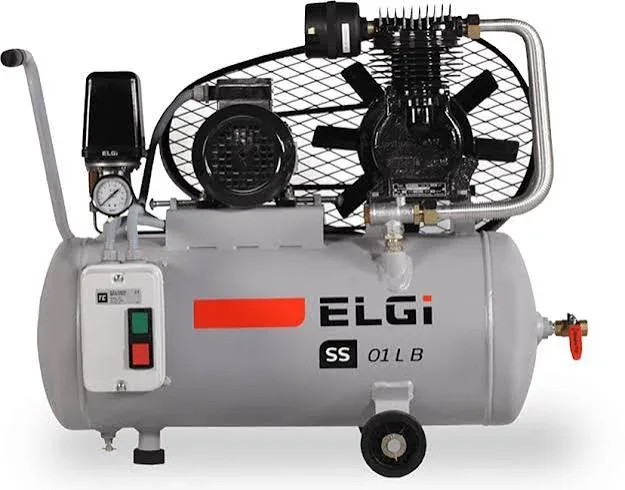
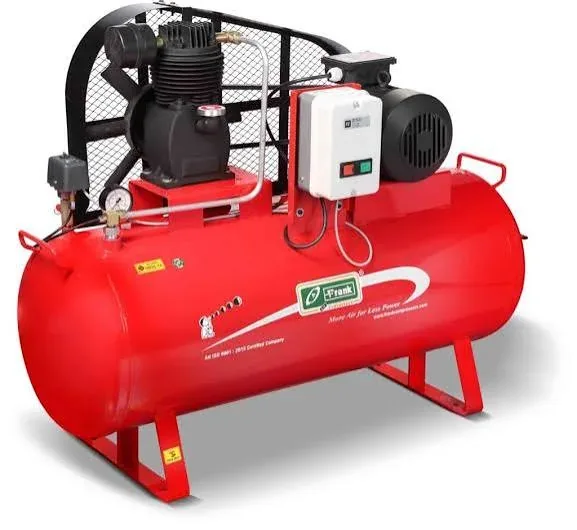
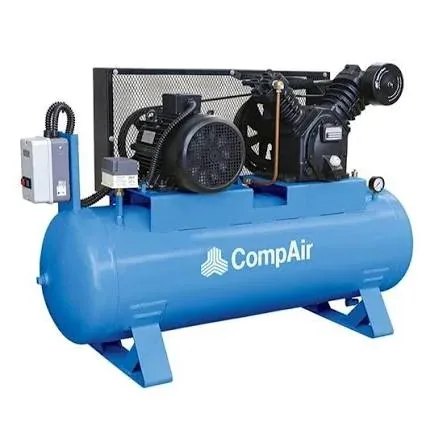
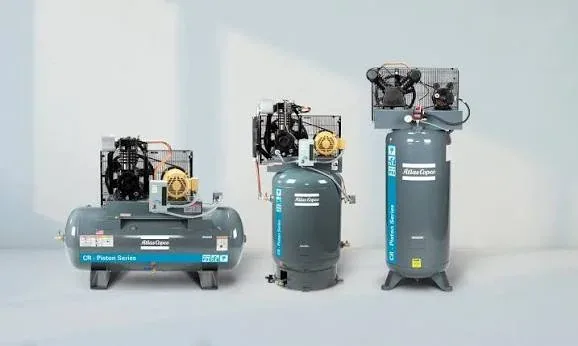
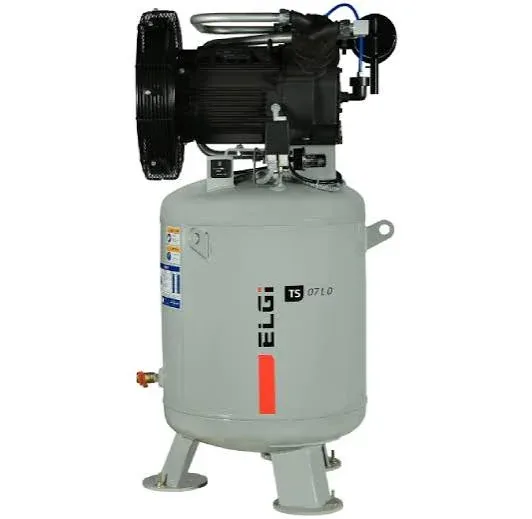
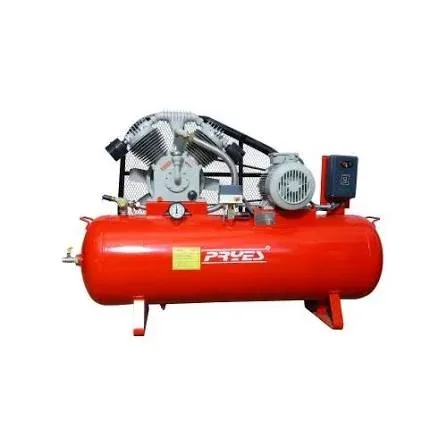
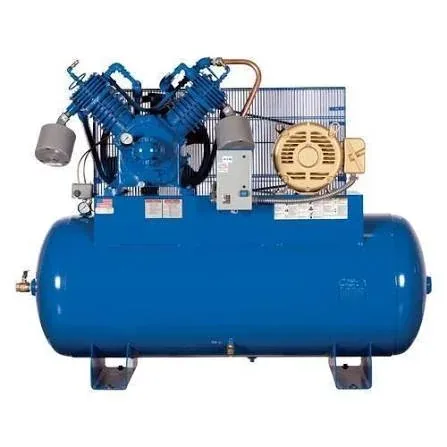
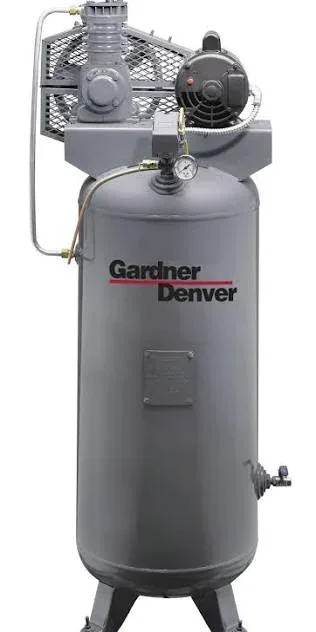
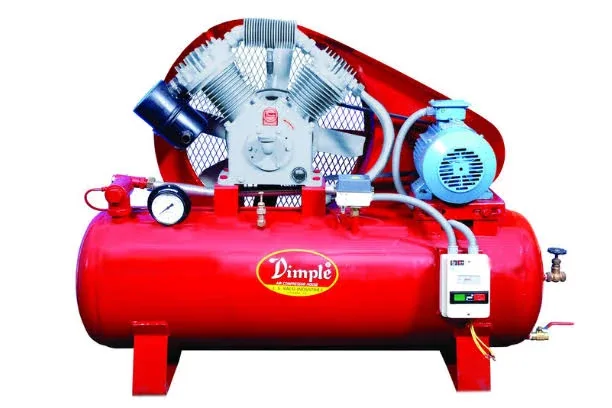
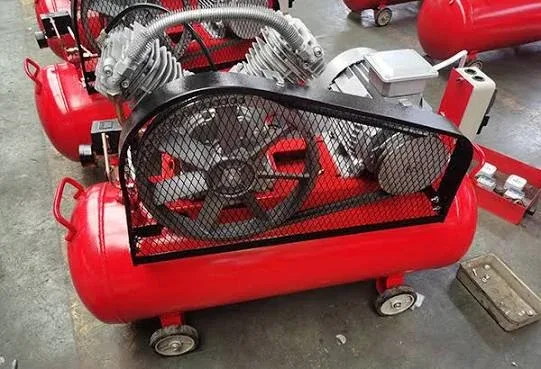
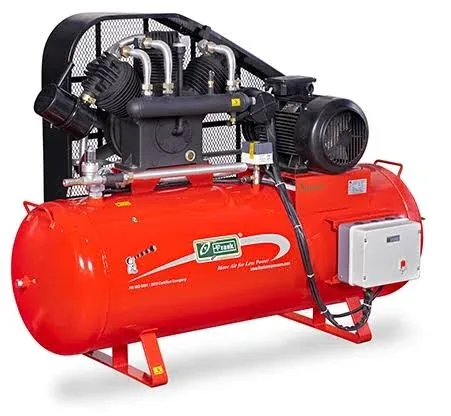
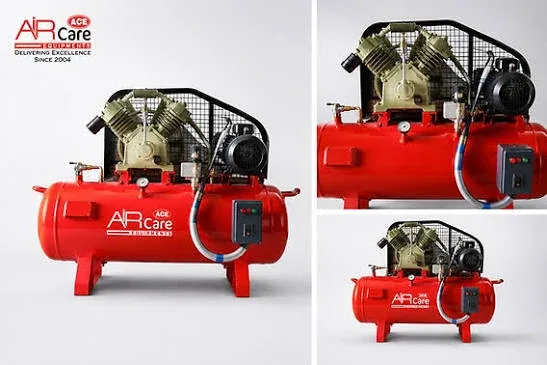
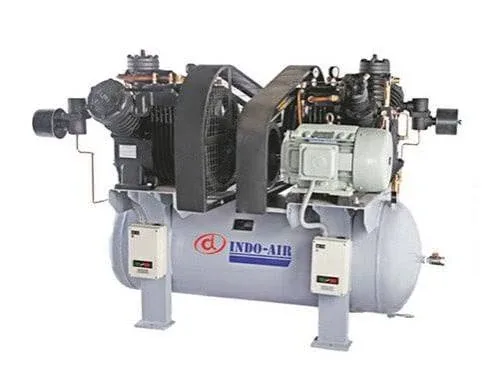
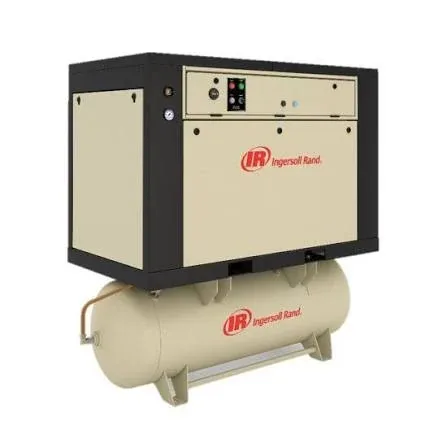
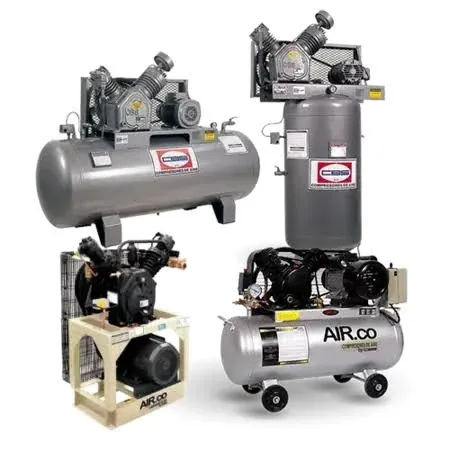
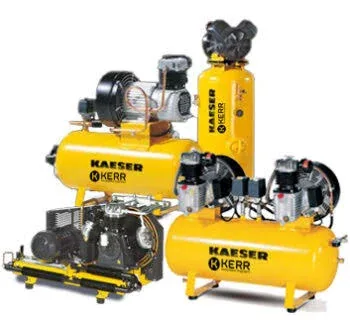
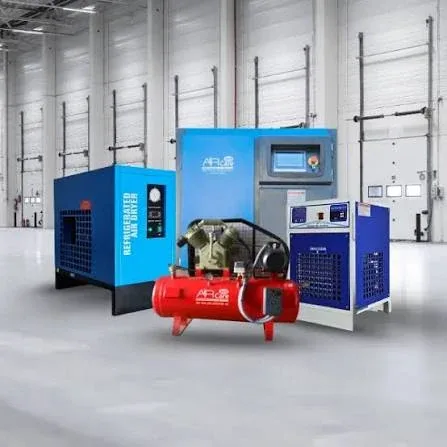
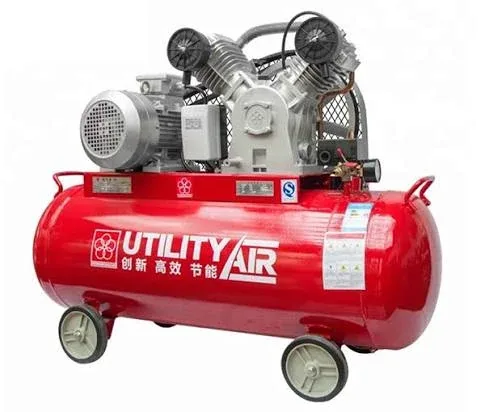
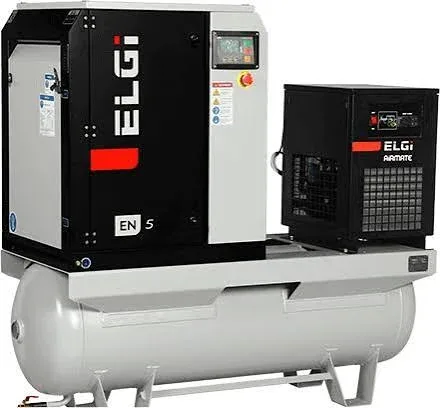
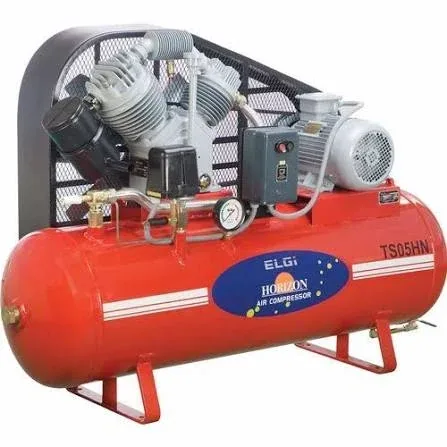
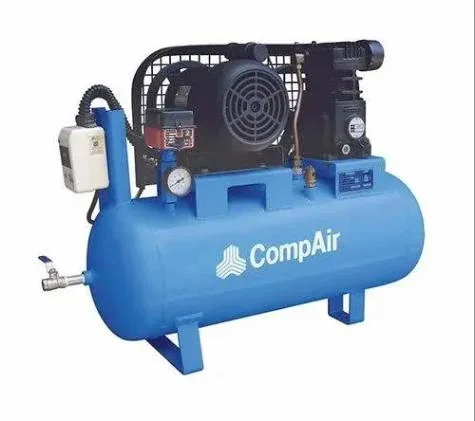
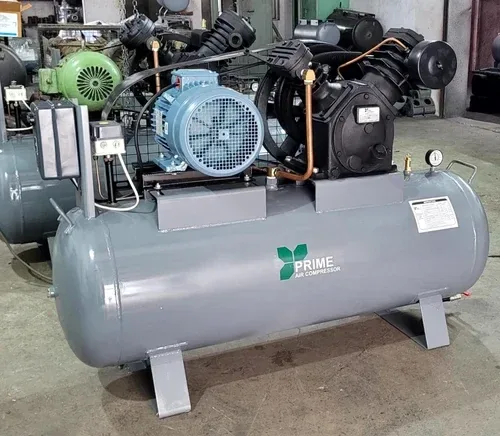
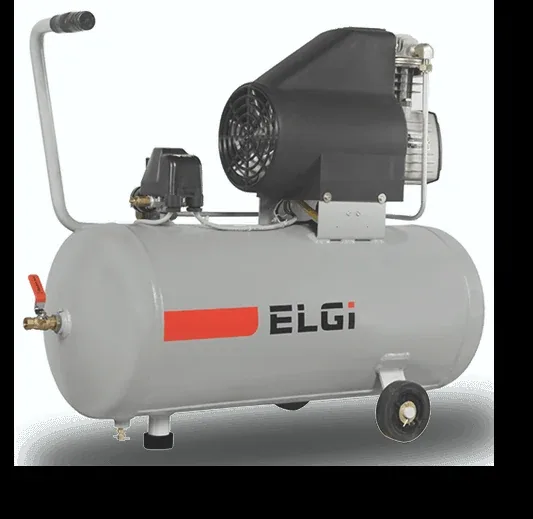
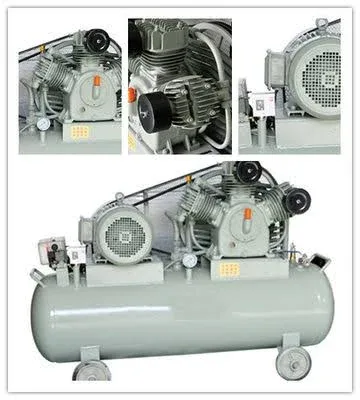
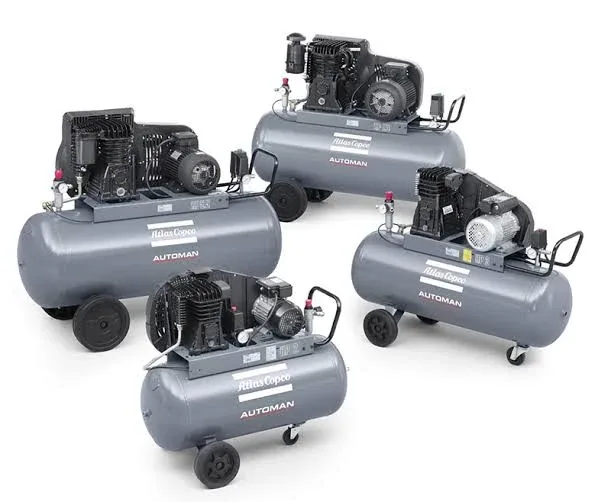
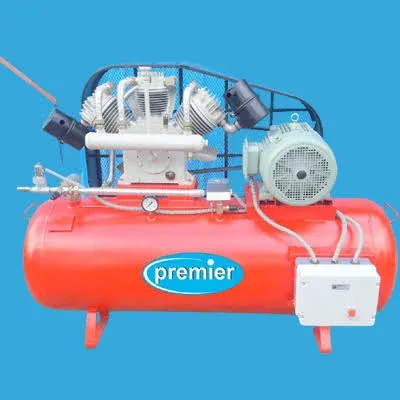
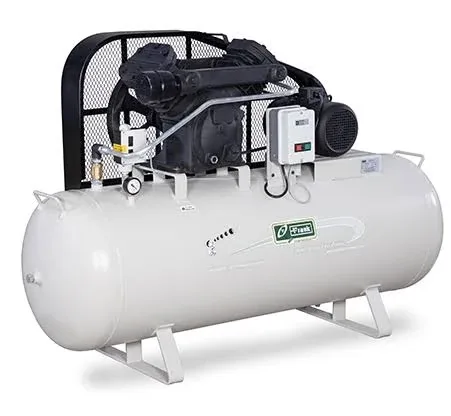
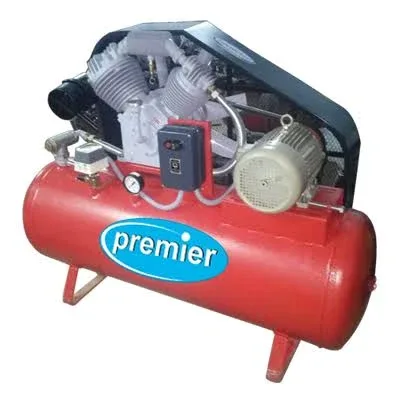
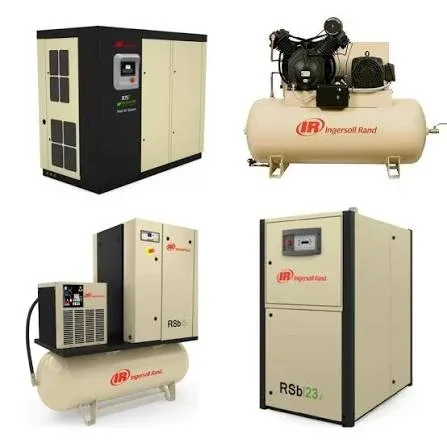
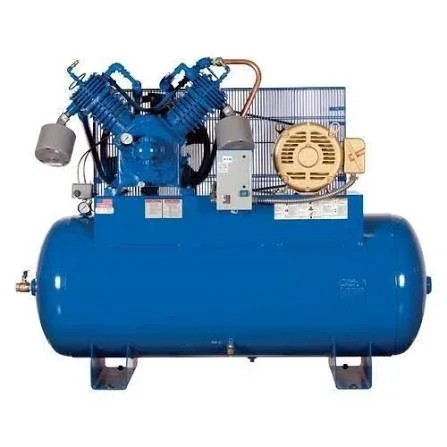
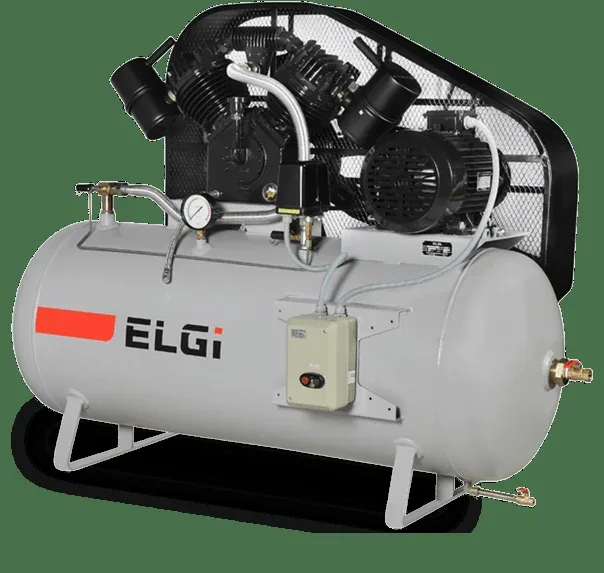
Manufacturer product images, shown to identify machines we sell, service and support. Brand names are trademarks of their owners.
1. Direct engineering answer
A useful equipment image library is a controlled visual reference, not a collection of decorative product photographs. Every approved image must identify what is shown, whether it is a specific make/model or a generic example, which components can be reliably recognised, the purpose of the view, the permitted use, the governing technical page and what the image cannot establish. Image labels must be reviewed by someone technically competent to identify the depicted assembly.
2. Unique scope and related RC pages
3. Visitor decision journeys
A maintenance technician may need to distinguish an inlet valve from a minimum-pressure valve; a procurement reader may compare the appearance of a portable and a stationary compressor; an engineer may examine a flow-path diagram; a customer may want to understand a separator vessel or dryer arrangement. Each journey must end in a correctly scoped explanation and relevant article, not an unqualified quote or stock claim.
4. Equipment taxonomy
Proposed categories: rotary screw packages, reciprocating compressors, portable diesel units, oil-free technologies, centrifugal machines, blowers and vacuum, air treatment, receivers and distribution, valves and controls, electrical drives, cooling systems, spare parts, borewell and DTH interfaces, installations and service operations. Categories remain unpublished when no approved images exist.
5. Photo identity hierarchy
Class A: photographed asset with confirmed equipment ID, source and permission. Class B: identified equipment family with no reliable model identity. Class C: generic educational photograph with no model assertion. Class D: illustration or rendering, explicitly labelled. Class HOLD: ambiguous, unlicensed, misleading, unsafe or unverified. Search labels and captions must reflect the classification.
6. Component identification discipline
Identify assemblies using visible physical features plus verified source notes, not appearance alone. A rectangular housing cannot prove it is a particular OEM separator; a similar control panel cannot establish firmware or rated capacity. Where identification is uncertain, use “illustrative view of” or “component type requires confirmation” and route to the technical owner.
8. Technical caption structure
Recommended caption: visible subject; orientation/view; function; applicable equipment scope; what cannot be concluded; link to relevant RC article. Example fixture: “Illustrative rotary-screw package interior showing airend and cooler arrangement; component layout varies by model. See the rotary-screw engineering guide.” Do not imply that a fixture is an approved actual image.
9. Alt text versus caption
Alt text provides a concise equivalent of meaningful visual information for people who cannot see the image. A visible caption can give more technical context, model limitations and source credit. Avoid repeating the entire caption in alt text, keyword stuffing, filenames masquerading as descriptions or “image of image”. Decorative graphics may use empty alt text where appropriate.
10. Technical image annotations
Arrows and callouts must point to verified components; legends must state whether flow direction is schematic or measured. A drawn pressure arrow is not a measured differential. Annotation layers should be available as accessible text or adjacent descriptions, and cannot obscure warning labels, nameplates or critical parts.
11. Comparison views
A two-image comparison requires matched intent and explicit differences: equipment category, viewpoint, scale, date, modification and whether the images depict the same machine. Before/after visual changes may document installed hardware, not independently prove energy savings, air quality or restored capacity.
12. Mechanical safety boundaries
Do not present images of opened pressure-containing equipment, exposed rotating components or live electrical cabinets as an invitation to replicate work. Add context that isolation, depressurisation and competent personnel are required. Do not infer that a photographed work practice was safe without supporting records.
13. Nameplates and data protection
Nameplates can support identity only when legible and provenance-confirmed. Check serial numbers, customer asset tags, location identifiers, access codes, control-network addresses and private labels before publication. Retain unredacted originals securely and log public derivative changes.
14. Rights, licences and consent
Capture licence scope, reuse channels, credit requirement, term, territory if applicable, derivative/crop rights, trademark limitations and withdrawal terms. A photo shared on social media or supplied in a PDF is not automatically reusable. Confirm permission for thumbnails, social previews and AI-derived crops separately where required.
15. Source image and derivative integrity
Keep an immutable original with checksum; generate responsive WebP/AVIF/JPEG derivatives as compatible; record crop coordinates and version. Never upscale a low-resolution photo into a falsely precise technical detail. If annotation changes the interpretation, version the derivative and reviewer approval.
16. Image quality gate
Check sharpness at the intended display size, exposure, orientation, color cast, focus on the claimed part, absence of misleading crop and readability of approved annotations. Reject stock-watermarked, duplicated, technically wrong or context-free images. Colour and lighting alone do not reliably identify materials, oil condition or heat.
17. Image search architecture
Index approved title, component class, application, technology, controlled keywords, equipment family, view type and related RC page. Offer category filters and search suggestions. Search must not expose confidential filenames or unreleased assets. A zero-result state should suggest broader categories and technical article links.
18. Catalogue card anatomy
Card: approved thumbnail, descriptive title, image type, equipment family, view label, short technical caption, review date when relevant and link to image detail or article. Avoid displaying unsupported specifications, star ratings or “in stock” claims. The technical limitation should remain accessible without requiring a hover interaction.
19. Detail page anatomy
A meaningful detail page includes H1, direct answer, large responsive image, accessible zoom, concise identification, component callouts, engineering function, limitations, rights/credit, reviewed date and related RC guide. Thin image-only pages should remain non-indexable or be consolidated with their governing technical article.
20. Responsive delivery
Provide source-set sizes matched to viewport and density, explicit aspect ratios to avoid layout shift, lazy-load below-the-fold images and meaningful fallback text. Maintain 4:3 or 16:9 for wide equipment where appropriate and portrait 9:16 where source framing supports it; never crop off gauges, safety signs, couplings or critical piping to force a ratio.
21. Accessible zoom and gallery
Lightbox opens by keyboard, traps focus appropriately, supports Escape to close, restores focus and permits zoom without obscuring labels. Mobile pinch or controls must work with screen-reader access. Thumbnail selection should announce image title and position. Never rely solely on colour to distinguish callouts.
22. Search engine image discoverability
Use descriptive file names and human-readable captions, server-visible contextual text, correct image dimensions, stable URLs, accurate image sitemap inclusion when appropriate and valid canonical handling. Optimisation must preserve technical truth; do not add irrelevant city keywords or imply local customer installations.
23. SEO page metadata
Suggested title: Compressed Air Equipment Image Library | Reddy Compressors. Suggested meta description: Explore identified compressor equipment and component images with technical captions, accessible descriptions and links to engineering guides.
25. GEO boundaries
Use confirmed business identity and service-area facts on relevant business pages, not invented GPS or project locations embedded in image descriptions. Strip location metadata from public derivatives when confidentiality requires it. A photograph of a compressor at a site is not evidence that Reddy Compressors installed or serviced it.
26. Structured data
ImageObject may be suitable where real creator, content URL, credit, licence and other supported fields exist. Use BreadcrumbList for real navigation. Product structured data must not be added solely because a machine is pictured; avoid fabricated availability, prices, offers, ratings or reviews. Validate live rendered schema and align it with visible text.
27. Image library to enquiry journey
Where appropriate, “Ask about this component” may pass the stable image ID and linked RC article into a consent-aware enquiry. Users must be able to review the description and attach their own photos securely. Do not promise diagnosis from a single image or guaranteed emergency response. Display accurate submission success/failure states.
28. User photo uploads
If customer uploads are enabled, validate file type, content, size and count; scan and isolate files under an approved security design; restrict access and retention; strip unsafe metadata; and obtain consent for processing. Customer-submitted images must not automatically enter the public catalogue or model-training workflows.
29. Privacy and retention
Record retention owners and deletion schedules based on applicable requirements and actual policies. Implement a removal workflow that covers original access, thumbnails, resized derivatives, search indexes, CDN caches, structured data and social preview caches where controllable. Track unresolved takedown steps.
30. Technical review workflow
INVENTORIED → IDENTITY CHECK → RIGHTS/PRIVACY CHECK → TECHNICAL CAPTION → ALT-TEXT QA → RESPONSIVE/ACCESSIBILITY QA → ARTICLE LINK QA → OWNER APPROVAL → PUBLIC. Provide HOLD, REJECTED, CORRECTED and WITHDRAWN states; publication must be blocked until all required gates pass.
31. Image-specific quality scoring
Assess provenance, identity confidence, relevance, technical clarity, annotation correctness, licence, accessibility and link integrity separately. A visually attractive photo with uncertain component identity must not outrank a less polished but accurate image. Document why an image was selected for the hero or related article.
32. Failure recovery
Missing source file: display no broken thumbnail and log the missing ID. Rights revoked: block public derivatives and linked embeds. Image too large: serve smaller approved derivative. Unsupported upload: accessible error with recovery guidance.
33. Media archive reconciliation
The owner has previously supplied technical B.A. RC documents and media archives in the project. Reconcile actual accessible media files by hash, dimensions, rights, technical topic and linked RC article before populating public cards.
34. Global standards-aware practice
Apply relevant accessibility expectations such as WCAG for image alternatives and keyboard access, privacy and security requirements applicable to deployment, and applicable OEM safety/technical documentation for identification. Record the version and applicability chosen by the deployment owner; do not imply standards certification from this content specification.
36. Mandatory asset — Contextual Image Catalogue with Alt Text
Identity
Field | Required entry | Status |
|---|---|---|
Image ID | OPEN | |
Editorial title | OPEN | |
Equipment family | OPEN | |
Component or assembly | OPEN | |
Image type: photo/rendering/diagram | OPEN | |
Confirmed model scope | OPEN | |
View orientation | OPEN | |
Linked RC page | OPEN | |
Content owner | OPEN |